10 min read
Direct Answer: How to learn graphic design for free with Photoshop and Illustrator. An 8 week roadmap, practice projects, mistakes to avoid and a free certificate.
- How to learn graphic design for free with Photoshop and Illustrator. An 8 week roadmap, practice projects, mistakes to avoid and a free certificate.
- Authored by Abdullah with actionable, zero-fluff implementation guidance.
- Verified for immediate practical application, production workflows, and professional skill enhancement.
You can learn graphic design for free by doing three things in order: learn the handful of technical rules that every printer and browser enforces, learn the two main tools well enough to work without destroying your own files, and then make real pieces until your eye catches up with your hands. The hard part is knowing why a logo needs to be a vector, why a poster looked fine on screen and muddy on paper, and why a client cannot open the file you sent.
This guide gives you a realistic 8 week roadmap, the practice projects that actually build skill, the mistakes that cost beginners their first jobs, and an honest look at our free Graphic Designing (Photoshop + Illustrator) course, chapter by chapter.
What graphic design actually involves
Beyond taste, a working designer makes four technical decisions on every job:
- Raster or vector. A photo is a grid of pixels and cannot be enlarged without blurring. A logo is a set of paths and can be drawn at any size.
- Resolution and size. A file has to be big enough for where it ends up. A social post, a business card and a shop sign all need different numbers.
- Colour mode. Screens mix light in RGB. Printing presses lay down ink in CMYK. A bright screen blue often has no ink equivalent, and if you do not plan for that, the client sees a dull blue on the printed flyer and blames you.
- Delivery. The right file format, bleed for anything that gets trimmed, fonts that travel with the file.
Photoshop or Illustrator: which one to learn first
You need both, but they do different jobs, and knowing which to open is a skill in itself.
| Job | Tool | Why |
|---|---|---|
| Photo retouching, composites, social posts with photos | Photoshop | Photographs are made of pixels |
| Logos, icons, wordmarks | Illustrator | Must scale from a favicon to a billboard |
| Signage, vinyl cutting, embroidery, screen print | Illustrator | Machines follow paths, not pixels |
| Posters and flyers mixing photos and type | Either, often both | Photos built in Photoshop, placed into a vector layout |
If you have to pick one to start, start with Photoshop. Layers and masks teach you to work non destructively, and that habit carries straight into Illustrator.
A note on cost. Photoshop and Illustrator are paid software, and Adobe offers a free trial. If you cannot pay yet, you can still practise the same concepts in free tools such as GIMP or Photopea for raster work and Inkscape for vector work. The principles carry over, though many clients and studios will expect Adobe files eventually.
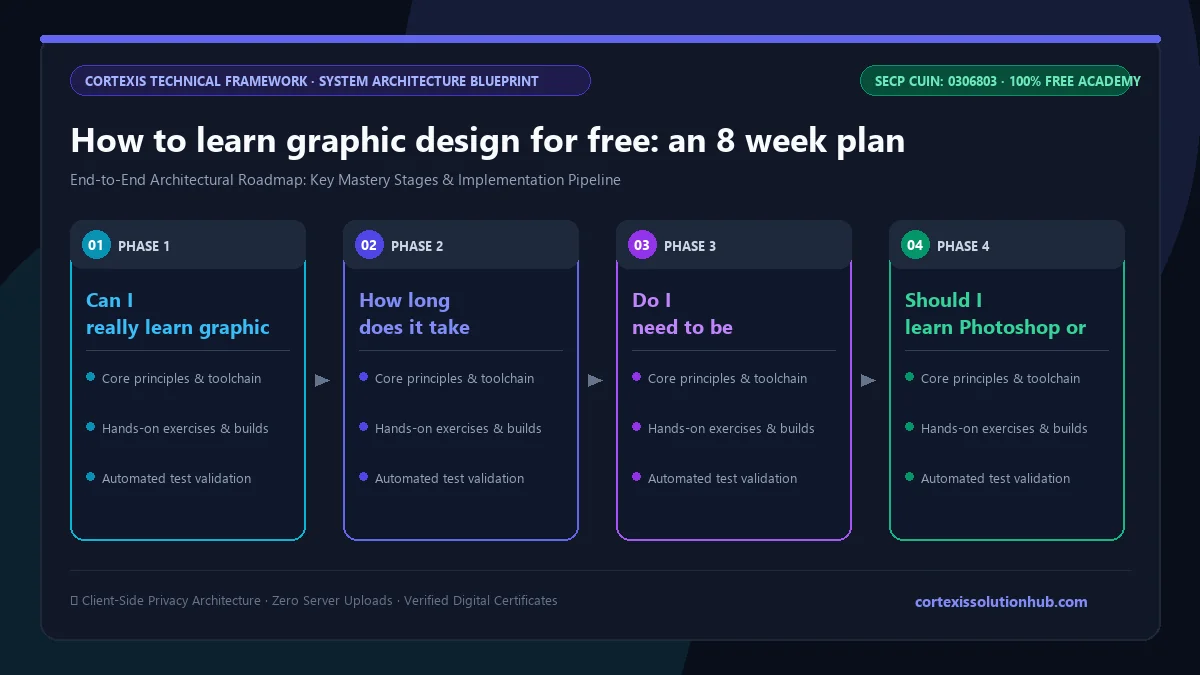
An 8 week roadmap to learn graphic design for free
Plan on about an hour a day, five or six days a week.
| Week | Focus | What you make |
|---|---|---|
| 1 | Raster vs vector, resolution, RGB vs CMYK | Set up three documents correctly: a social post, an A5 flyer with bleed, a logo artboard |
| 2 | Photoshop layers, masks, adjustment layers, smart objects | Rebuild a product photo on a new background without ever pressing Delete |
| 3 | Retouching and compositing | Clean up a portrait, then combine two photos so the light matches |
| 4 | Illustrator pen tool, Pathfinder, type | Trace five everyday objects as clean vector icons |
| 5 | Typography, grids, layout, exporting | A poster that reads at a glance, exported once for web and once for print |
| 6 | Logo systems and handoff | A small identity: mark, wordmark, lockups and an organised delivery folder |
| 7 | Colour management and preflight | Check your week 5 poster as if a printer were about to reject it |
| 8 | Speed and volume | A template that produces twenty social posts from one master file |
Finish every piece, even the ugly ones, and keep them all. By week 8 you will be embarrassed by week 2, which is the proof you improved.
Practice projects that build a portfolio
Copying tutorials teaches buttons. Briefs teach design. Write yourself a short brief for each project: who it is for, where it will appear, and what one thing the viewer should do.
- A menu for a local dhaba or cafe. Lots of text, prices, and it must print.
- A logo for a friend's small business. Draw it in Illustrator from simple shapes, test it in one colour, and test it at a tiny size.
- A set of five social posts for one brand. Same grid, same type, different content. Consistency is the skill clients pay for.
- A redesign of a bad poster you have seen. Fix the hierarchy and explain in two sentences what you changed.
Three or four finished pieces beat twenty half done ones. If you plan to sell your work online, our freelancing on Upwork and Fiverr course covers profiles, proposals and pricing.
Mistakes that cost beginners real jobs
- Building a logo in Photoshop. It looks fine on screen and falls apart the moment the client wants a sign or a printed banner.
- Designing in RGB, then sending it to print. Colours shift, and nobody notices until the job is already printed.
- No bleed. Anything that is trimmed needs artwork that extends past the cut, usually a few millimetres. Without it you get thin white slivers at the edges.
- Erasing instead of masking. Once pixels are deleted you cannot get them back on day nine when the client changes their mind.
- Sending live fonts. The client opens the file on a machine without your font and the text reflows into something else.
What the free course covers, chapter by chapter
The Graphic Designing (Photoshop + Illustrator) course is a beginner course designed to take around 8 weeks. It has 12 chapters with four lessons each, and every lesson is a short read of roughly 12 to 15 minutes with worked examples. Each chapter ends with a delivery skill: correct resolution, correct colour mode, correct file, correct bleed.
| Chapter | What you learn |
|---|---|
| 1. Pixels, Vectors, and Colour | Raster vs vector, resolution and the 300 DPI myth, RGB and CMYK, choosing colour with HSB and contrast |
| 2. Photoshop: The Non-Destructive Stack | Layers, blend modes, selections and masks, adjustment layers, smart objects, layer styles |
| 3. Photoshop in Practice | Healing and cloning, dodge and burn, compositing two photos, Camera Raw, resizing, sharpening, fixing converging verticals |
| 4. Illustrator: Paths, Shapes, and Type | The pen tool, Pathfinder and building a mark from shapes, type on a path, the Appearance panel |
| 5. Typography, Layout, and Delivery | Type fundamentals, grids and composition, exporting for web vs print, accessible contrast |
| 6. Logo Systems and Client Handoff | Running an identity job, lockups and clear space, packaging files, scope, revision rounds and rights |
| 7. Production Reality | Colour profiles, preflight, diagnosing a file that printed wrong, speed and versioning, talking to your printer |
| 8. Advanced Photoshop | Channel masks for hair and glass, frequency separation, luminosity masks, what Generative Fill fixes and breaks |
| 9. Production at Volume | Linked smart objects, actions and droplets, data driven graphics from a CSV, artboard export pipelines |
| 10. Vector for Screen | Icons that stay crisp at 16 pixels, clean SVG, icon systems, handing files to developers |
| 11. Dimensional Work | Dielines, packaging artwork and barcodes, large format, signage and vehicle wraps |
| 12. Brand Systems at Scale | Living brand guidelines, working with many hands, auditing drift, rolling out a rebrand |
Chapters 1 to 6 are the core most beginners need to start taking small jobs. Chapters 7 to 12 are what separate someone who can use the tools from someone a studio trusts with production.
Who this course is for, and who it is not for
It suits students, career switchers, small business owners making their own marketing material, and freelancers who keep running into printing and file problems. You do not need drawing talent. Many strong logos are built from simple geometric shapes rather than sketched freehand, and the course teaches exactly that method.
It is not a course in illustration or digital painting, and it does not cover screen interface design in depth. If apps and websites are your goal, look at the UI/UX design bootcamp after this one. If you want to use your design skills to grow a brand online, social media marketing pairs well.
How the quizzes and free certificate work
Each topic has a minimum reading time of 90 seconds before its quiz opens, and you need 70 percent on that quiz to unlock the next topic. Each chapter also ends with a quiz you must pass at 70 percent to open the next chapter.
The certificate comes from the final exam: 50 questions, 60 minutes, one timed attempt, and you pass with 50 out of 100 marks. If you do not pass, a retake opens 30 days later with the questions and options reshuffled. Pass, and you get a free certificate with a verification code and a QR code anyone can check.
Be honest about what it proves: a client looks at your portfolio first and the certificate second, if at all. We wrote more about this in are free online certificates worth anything.
Start this week
Open a blank document, set it up correctly for an A5 flyer with bleed, and save it. That small act is lesson one of real design work. Then start the free Graphic Designing (Photoshop + Illustrator) course and follow the 8 week plan above, one finished piece at a time.
Questions, answered
05 questions
Yes. The knowledge is free. Only the software may cost money, and free tools cover the same concepts until you are ready for Adobe.
The course is built for about 8 weeks at an hour a day, enough to start small real jobs. Getting genuinely good takes longer and comes from many finished pieces and honest feedback.
No. Most graphic design is layout, type, colour and assembling shapes. Drawing helps with illustration, but logos, posters and social posts are built with tools, grids and geometry.
Start with Photoshop for its layers and masks, then move to Illustrator for logos and anything that must scale. The course follows that order, after a first chapter on the foundations both tools share.
Yes. The lessons, quizzes, final exam and certificate are all free. You need an account to track your progress and sit the exam.