

How to Use a Free QR Code Generator: URLs, Wi-Fi, Text and Contact Cards
A small square of black and white has become the shortest distance between a printed page and a phone. Menus, posters, packaging, wedding invitations, guest Wi-Fi cards, conference badges — all of them lean on the same trick. A good QR code generator should take seconds to use, hand back a file sharp enough to print, and ask for nothing in return. That is what the tool above does: create a QR code online free, choose your colours, and download a high-resolution PNG or a QR code SVG vector. No account, no watermark, no expiry date.
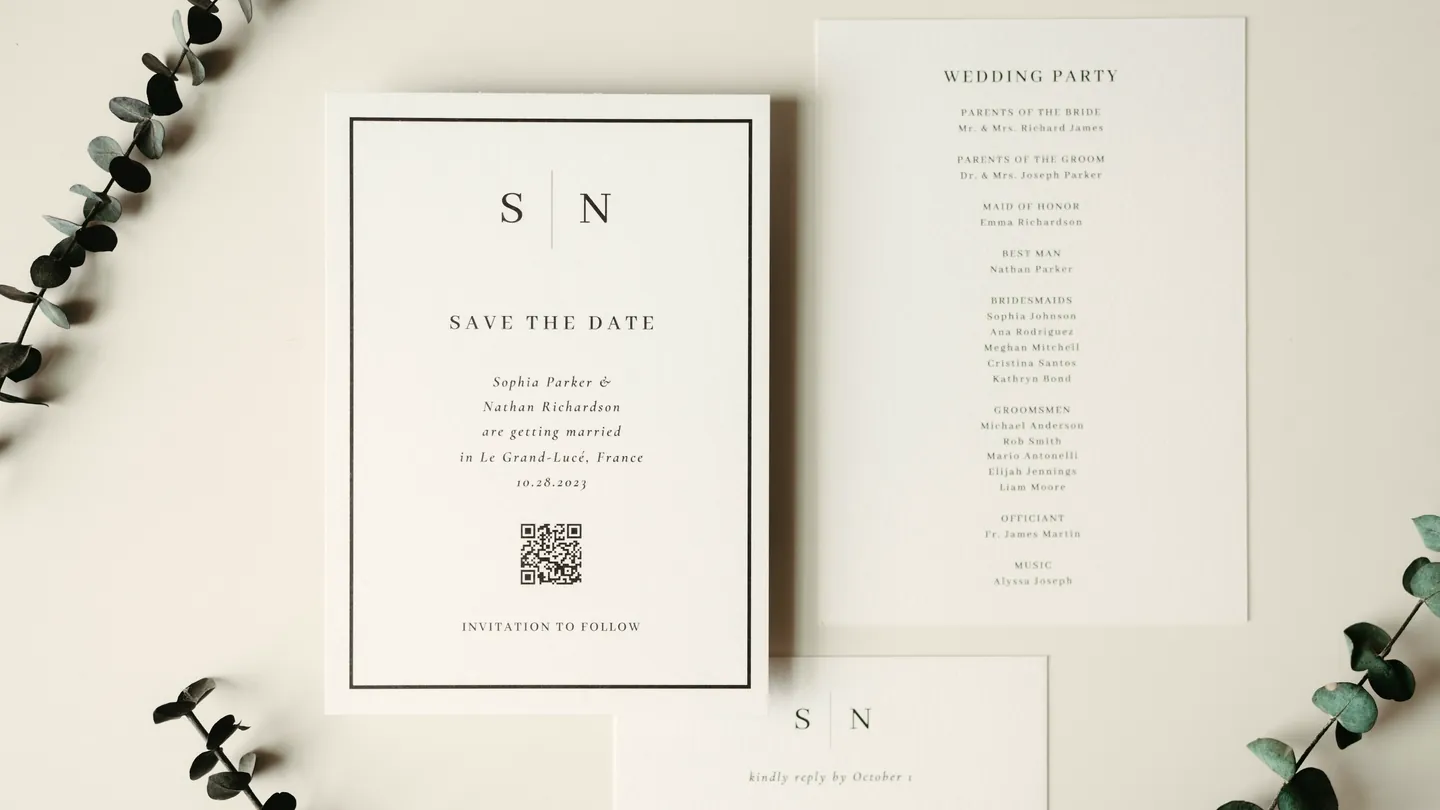
1. What a QR Code Actually Contains
People picture a QR code as a link that lives on the internet somewhere. It is not. The text you type is physically encoded in the pattern of squares itself, and nothing is looked up when it is scanned. The camera reads the modules, reconstructs the characters and hands them to the phone, which decides what to do — open a page, join a network, offer to save a contact.
That pattern is not a Cortexis invention. It is defined by ISO/IEC 18004, the international standard for QR Code symbology, which specifies the finder patterns, the encoding modes and the Reed–Solomon error correction that lets a damaged code still scan. What the standard covers is the symbology — the square itself — which is why the pattern is read the same way by every conforming reader, whatever software is doing the reading.
What happens next is a separate matter, and it belongs to the phone rather than to the standard. Once the characters are recovered, the camera app looks at them and guesses your intent: an address starting https:// is offered as a link, a run of ordinary words is shown as text, and the Wi-Fi and contact formats in section 3 are conventions phone makers have converged on rather than anything ISO writes down. Recent iOS and Android camera apps handle all four without a separate reader app, which is what made printed codes worth using again. Older or unusual devices may still want a scanning app, so test with whatever your audience actually carries.
Three consequences follow, and between them they explain most questions people ask about how to make a QR code:
- The content is fixed once you print it. Change the destination and you need a new code — see section 7.
- Longer text means a denser code. A short link gives a chunky, forgiving pattern; three paragraphs give a fine mesh that must be printed larger.
- Error correction buys damage tolerance. Codes here are generated at the standard medium level, so a scuffed corner usually still scans.
2. How to Make a QR Code in Three Steps
No sign-up, no email capture, no trial countdown. To generate a QR code free with the panel above:
Pick the code type
Choose Website, Plain Text, Wi-Fi or vCard. The form underneath changes to ask for the fields that type needs.
Fill in and restyle
Type your link, message, network or contact details. The preview redraws as you type, and two pickers set the foreground and background colour — the defaults are a near-black slate on white.
Download PNG or SVG
One button gives a PNG of at least 800 by 800 pixels, named for the code type. The other gives a vector SVG that stays sharp at any size, from a business card to a shop window.
That is the whole flow. The panel builds one code at a time: fill the form, download, then change the details for the next one. There is no spreadsheet to upload and no list input, so a set of twenty table numbers is twenty quick passes rather than one import — and nothing counts or caps how many passes you make.
The preview is live, so you never download something you have not seen. Before anything goes to a printer, point your own camera at the code on screen — ten seconds of testing has saved a lot of reprints.
3. The Four Types of QR Code You Can Generate
A phone knows whether to open a page or join a network because the encoded text follows a recognised convention. The generator writes those conventions for you, so a stray character never breaks one.
Website: a QR code for a link
The most common request. Paste any address and you have a QR code for a website link — a landing page, a restaurant menu QR code, a review page, a booking form, a social profile. Include the https:// prefix so every reader treats it as a link rather than plain text. This is what people search for as a URL to QR code converter.
What about a QR code for a PDF or an image?
Worth clearing up, because it is asked constantly: no QR code contains a file. A symbol holds a short run of text, so a twelve-page document cannot fit inside one. A QR code for a PDF is really a code pointing at an address where that PDF lives. Put the document somewhere it can be reached, then paste that address into the Website tab. If it is slow to open on a phone, run it through our PDF compressor first.
Plain text: a note, a code, a serial number
Anything typed here is encoded verbatim and shown to whoever scans it: asset tags, shelf labels, a table number, a discount code, a caption on a museum display. Nothing opens; the words simply appear. If the text runs long, print the square generously, because a dense pattern needs more area to stay legible.
Wi-Fi: join the network without typing a password
Enter the network name, the password and the security type, and the tool writes the widely recognised Wi-Fi credential string that current iOS and Android cameras understand. It is worth knowing that this one is a convention the phone makers settled on rather than a published standard, which is exactly why it pays to scan your own code once before printing it. Section 4 covers the field-by-field detail, because this is the most useful thing on the page for cafes and holiday lets.
vCard: a scannable contact card
The contact mode builds a VERSION:3.0 vCard record carrying the full name, the phone number and the email address you type. Scanning it prompts the phone to save a contact with those fields filled in, which makes a genuinely useful QR code for a business card, email signature or conference badge. The form has no company field, so the organisation line on the saved contact arrives blank — type the employer or job title into the phone’s own contacts app afterwards if it matters to you. Keep the number in full international form and it will dial correctly from anywhere.
4. How to Make a Wi-Fi QR Code for Guests
If you run a cafe, a rental or a waiting room, this replaces the laminated card with the password on it. A Wi-Fi QR code generator encodes three things: the network name, the password, and the security type your router uses.
- Network name (SSID). Type it exactly as it appears in the list of networks, capitals and spaces included. A mismatched character is a common reason a Wi-Fi code silently fails: the square scans, the phone tries to join a network that does not exist under that name, and nothing useful happens.
- Password. Enter the passphrase. The field is masked as you type, and punctuation such as semicolons and colons is handled properly rather than cutting the code short.
- Security type. WPA/WPA2/WPA3 for any modern router, WEP only for ancient hardware, or None for an open network.
Download the PNG, print it, put it on the wall. A guest points a camera at it and the phone offers to join — nobody mistaking a lowercase l for a 1.
One caution: anyone who can see the square can join the network, so treat it as you would the password written on a card — fine for a guest network, not the one your accounts live on. If the passphrase changes, the printed code is dead and you make a fresh one. What you type is never stored on our servers, never logged and never used for analytics or training.
5. PNG or SVG: Which Download Do You Need?
Two buttons, two very different files, and picking the wrong one is the usual cause of a blurry code on a printed flyer.
High-resolution PNG
- At least 800 × 800 pixels, well above screen size
- The clear quiet-zone margin is already inside the square
- Opens anywhere, no special software
- Right for slides, emails, social posts, labels and cards
- A fixed raster: blown up far beyond its own size, edges soften
Vector SVG
- Mathematically perfect at any size
- Right for posters, banners, packaging, signage
- Opens in professional design software
- Tiny file, no resolution to run out of
- Razor sharp on a shop window
The rule of thumb: if a printer is involved and the code will be bigger than a postcard, take the SVG QR code download. For a screen, the PNG is simpler and already sharp enough. The MDN reference on SVG explains why a vector never pixelates. Need the PNG at another size? The image resizer will scale it, the image enlarger pushes it larger for a poster proof, and the PNG compressor shrinks it for an email footer.
6. Colours, Contrast and Why Some QR Codes Fail to Scan
The two colour pickers let you match a brand palette instead of settling for the default near-black on white, which is why people look for a custom colour QR code generator. Used carelessly it produces a square no camera will read, and the cause is almost always one of five things.
- Not enough contrast. Navy on white is perfect; mid-grey on beige is a coin toss. Keep the foreground dark and the background light.
- Inverted colours. A light pattern on a dark ground confuses many readers. Keep the pattern the darker of the two.
- Printed too small. Start at two centimetres across for a short link, larger for longer content or a distance scan.
- The quiet zone was cropped. Every code needs a clear margin. Both downloads include it — do not crop it away.
- Reflective or curved surfaces. Gloss varnish and tight curves scatter the pattern. Matt stock scans far better.
To pull exact hex values out of a logo before styling the code, the colour picker tool will give you them, and the image cropper helps place the finished code inside an artwork frame. Test the real printed piece before you order five thousand of them.
7. Static vs Dynamic QR Codes: The Honest Version
Many sites advertise a dynamic QR code — one whose destination you can change later, with a dashboard counting scans. It is worth knowing what that is, because the marketing rarely says.
A dynamic code does not encode your link at all. It encodes a short redirect address owned by the company that made it. Every scan travels through their system, which is how they change the destination and count visits. It also means the code dies the day that service shuts down or decides your free plan has expired — and printed codes tend to outlive the startups behind them.
The codes generated here are static QR codes: your content is encoded directly into the pattern, with nobody in the middle. No scan tracking, no redirect, no expiry, no account to lapse. A code you print today still works in ten years. The honest trade is that it is not editable after printing — if the destination changes you generate a new one in seconds. For a menu, a Wi-Fi network or a contact card, that trade is usually the right way round. If you genuinely need analytics or a re-pointable link, encode an address you control and change the redirect at your end: same flexibility, without handing your printed material to somebody else’s subscription.
8. Why Cortexis Is the Best Free QR Code Generator
Plenty of sites will create a QR code online. Most make it quietly awkward until you subscribe. Here is what is different, stated plainly enough that you can check every line.
Free with no account
No sign-up, no email address, no card, no seven-day trial. The generator on this page is the whole product.
Codes that never expire
Your content is encoded in the pattern itself. No redirect to go dark, no plan to lapse.
No watermark or branding
The PNG and SVG contain your code and nothing else. No logo in the corner, no promotional strip.
Vector output included free
The SVG is not held back for a premium tier. Print at any size, badge to billboard.
Nothing you type is kept
Links, notes, Wi-Fi passwords and contact details are never stored on our servers, never logged and never used for analytics or training.
Unlimited codes
Come back as often as you like. There is no daily counter ticking down and no limit on how many codes you make.
It sits inside a wider set of free document and image tools built on the same terms, so once the code exists you can build the thing it goes on without paying for any of it.
9. Frequently Asked Questions (FAQ)
Is this QR code generator really free, and do the codes expire?
Yes to the first and no to the second. There is no account, no trial and no payment step. Your content is encoded directly into the pattern rather than pointing at a redirect we control, so a code you print today keeps working.
How do I make a QR code for my Wi-Fi password?
Choose the Wi-Fi tab, type the network name exactly as it appears in the list of networks, enter the password, and pick WPA/WPA2/WPA3 unless your router is very old. Download the PNG and print it. Guests point a camera at it and the phone offers to join.
Can I generate a batch of codes at once?
Not from a list, no. The panel above makes one code at a time from one form, so a set of asset tags or table numbers means filling the form and downloading once per code. Nothing limits how often you repeat that, and each download is named for the code type, so a run of a dozen takes a couple of minutes. For thousands, a developer scripting a QR library is the sane route.
Can I add my logo to the middle of the QR code?
Not in this tool. It produces a clean, unadorned symbol in your chosen colours, which is the version most likely to scan first time on every phone. If you need a logo, open the downloaded SVG in a design program and add it there, small and clear of the three corner squares, then test before printing.
Why will my QR code not scan?
Nearly always contrast, size or the margin. Keep the pattern much darker than the background, print it at least a couple of centimetres across, and never crop the clear border the download includes. Glossy or curved surfaces also scatter the pattern.
Can I change where the QR code points after I have printed it?
No, and neither can any static code: the destination is physically part of the pattern. If your link may change, encode an address you control and update the redirect at your end, or generate a fresh code here.
Is it safe to put my phone number or Wi-Fi password in?
What you type is never stored on our servers, never retained after your visit and never used for analytics or training. Do remember that a printed code is readable by anyone who can see it, so treat one with the care you would give the printed details themselves.
Building the thing the code goes on? Turn a page into a printable sheet with save web page as PDF, combine your flyer pages with the PDF merger, turn a finished design into a shareable image with the PDF to JPG converter, or lock the final artwork with PDF password protection. And if you would rather design the poster around the code than fight a template, our free graphic design course in Photoshop and Illustrator covers layout, contrast and print-ready artwork from scratch.