

The Free Base64 Encoder Decoder That Takes the String Exactly As You Found It
Most of the time you meet Base64 by accident: a token in a config file, a blob inside an API response, a wall of letters in the raw source of an email, an image that has become text inside a stylesheet. You want to base64 decode it and read what it says, or base64 encode something of your own for a header or a request body. This base64 encoder decoder does both, and it accepts the string in whatever messy shape you copied it, so you spend no time cleaning quotes and line breaks before it cooperates.
1. What a Base64 Encoder Decoder Actually Does
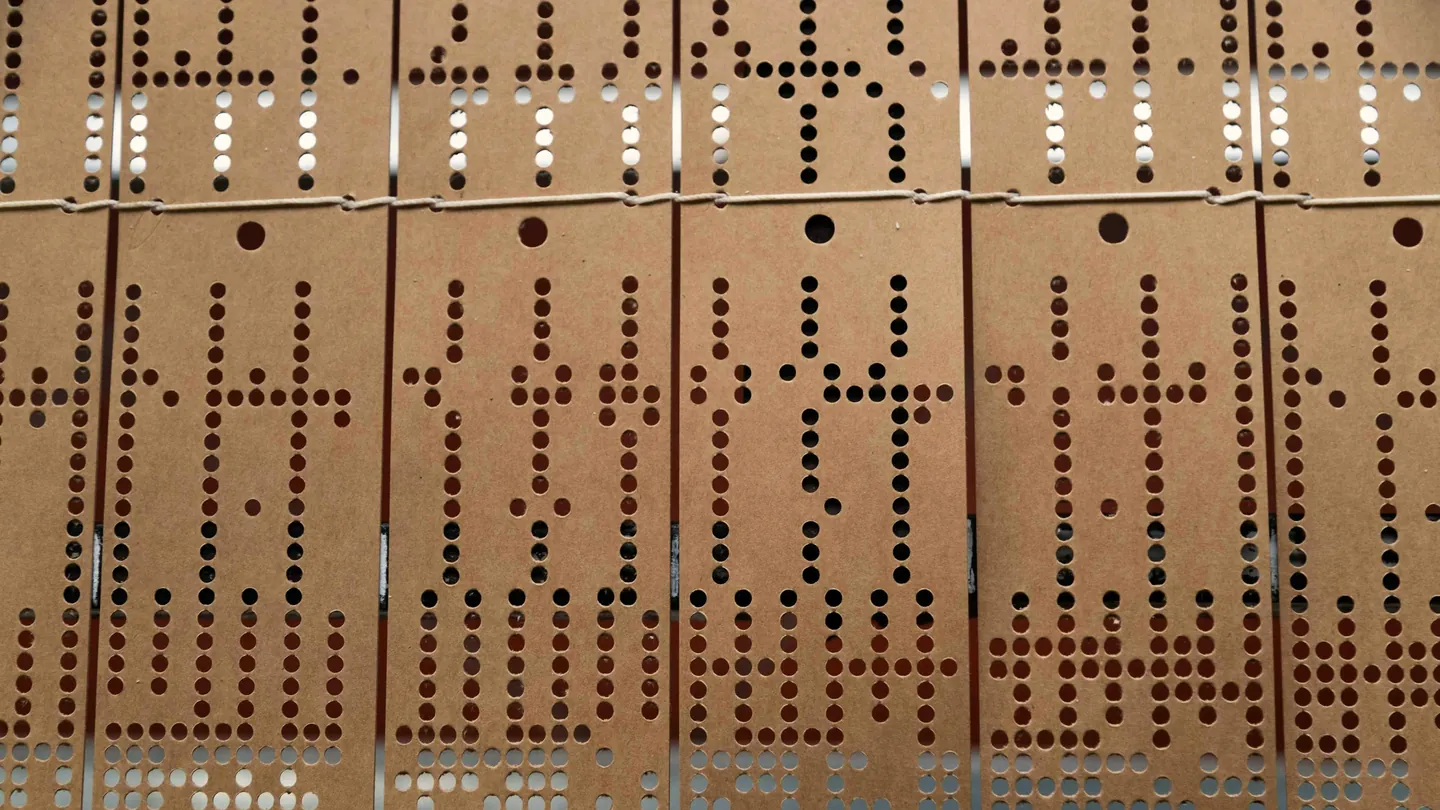
Base64 is neither encryption nor compression. It is a way of writing any sequence of bytes using only 64 safe characters: A to Z, a to z, 0 to 9 and two symbols. The standard alphabet is defined in IETF RFC 4648, along with the URL-safe variant that swaps the two symbols for a hyphen and an underscore.
It exists because email, JSON, HTTP headers and configuration files carry text and choke on raw binary. Base64 lets a PDF, an image or a certificate travel through them as plain letters, at the cost of growing by roughly a third. Every three bytes become four characters, and a trailing = or == pads the last group when the input does not divide evenly by three.
A base64 encoder decoder therefore has two jobs: turn text or a file into that alphabet, and turn the alphabet back into readable text. What separates a good one from a frustrating one is how it handles characters outside ASCII, whether it reads the URL-safe alphabet, and how much cleaning it demands first.
2. How to Decode Base64 to Text (Step-by-Step)
No account, no email, no output hidden behind a sign-up. To base64 decode online, here is the whole process:
Switch to Decode
Click "Decode from Base64" at the top of the tool. The input pane relabels itself.
Paste the string
Paste it as you found it, quotes, line breaks, data: prefix and all. The decoded result appears on the right at once; there is no submit button.
Copy the result
Press Copy and the readable text is on your clipboard. A character and byte count above the input lets you sanity-check what you pasted.
That is all there is to how to decode base64 to text. If the Base64 lives in a text file, the Upload File button in decode mode places its contents in the input. If the result turns out to be JSON, which it often is, paste it into the JSON formatter to indent it into something a person can read.
3. Paste It Messy: What the Decoder Tolerates Without Being Asked
The usual reason for a base64 string not decoding is not the Base64 but the packaging around it: quotation marks from a JSON value, line breaks from an email, a data:image/png;base64, prefix from a stylesheet. Strict decoders reject all of that. This one discards every character outside the Base64 alphabet before it starts, so the following all decode with no option to toggle and no hand-cleaning:
Line breaks and whitespace
Email and certificate tooling wraps Base64 at 76 columns. To base64 decode with line breaks in place, paste the whole block; newlines, tabs and spaces are ignored. It is a base64 decoder that ignores whitespace by default, not by setting.
Quotes from JSON and code
To decode base64 from a JSON API response, copy the value with its quotes and trailing comma. None of those are in the alphabet, so they are dropped.
URL-safe and unpadded strings
Need to base64 decode a url safe string? Hyphens and underscores are read as the characters they stand in for, and you can decode base64 without padding because missing = signs are inferred.
Full data: URIs
To decode a data URI to text, paste the entire data:text/plain;base64,... value. Everything up to the comma is skipped as the prefix.
Two jobs this makes easy. To decode base64 from an email MIME attachment, open the raw message source, copy the encoded part between the blank line and the boundary marker, and paste. To base64url decode a JWT payload online, paste just the middle segment between the two dots and the claims appear as JSON. The tool decodes one segment at a time, does not split a whole token for you, and never verifies a signature.
4. Incorrect Padding vs Invalid Length: Which Strings Can Be Saved
If you arrived here after a base64 incorrect padding error, most often a Python binascii.Error, one question matters: is the string merely unpadded, or is it missing data? A strict decoder gives the same complaint for both. They are not the same problem, and this page tells them apart.
Base64 works in groups of four characters. Stripped of padding, a valid string leaves a remainder of 0, 2 or 3 when divided by four, and adding the = signs back restores it perfectly. This decoder does that silently, so an incorrect padding error elsewhere usually means the string decodes here with no fuss, and the fix in your own code is to append = until the length is a multiple of four.
A remainder of 1 is different. No arrangement of bytes can produce it, because one leftover character carries six bits and a byte needs eight. A character is genuinely missing, and padding cannot help. That is the one case this tool refuses, with the banner Invalid Base64 input string length. If you are chasing a base64 invalid length error and this page shows it too, stop adding padding: the string was cut off when it was copied, logged or stored, and only the source has a complete copy. That makes the decoder a quick diagnostic: decodes here, fixable; length banner, truncated.
5. Encoding Text: UTF-8, Emoji and URL-Safe Output
Switch to Encode to Base64, type or paste, and the encoded string appears on the right. Copy takes it to your clipboard; Download saves it as a .txt file. This is the everyday base64 encode job: a username and password pair for a Basic authentication header, a credential for a YAML secret.
The detail that matters is the character set. Text is encoded as UTF-8, so when you need to base64 encode UTF-8 text with emoji, or Arabic, Hindi, Chinese, Cyrillic or accented European characters, the output is a correct encoding any UTF-8-aware decoder will turn back into the original. Many simple encoders fail on anything outside Latin-1; this one does not, and the round trip is exact.
Tick URL-Safe (- and _) to convert text to base64 url safe form: the two symbols become hyphen and underscore and trailing padding is dropped, the shape query strings, JWT segments and filenames expect. The same box applies to files. When unsure, the standard alphabet with padding is what most APIs assume.
6. Convert a File to Base64 or a Data URI
To convert a file to base64 online, stay in encode mode and use the Upload File button in the corner of the input pane. Any single file of any type is accepted, and the full Base64 string fills the output for you to copy or download as a .txt file named after the original.
Tick Data URI prefix before choosing the file and the output starts with data:<type>;base64,, falling back to application/octet-stream when the type is unknown. That is the complete file to base64 data URI string, ready for an HTML src, a CSS url() or a Markdown image, in the form set out by RFC 2397. One honest caveat: the checkbox applies to uploaded files only. Typed text is encoded bare, so for a data URI of plain text, add the prefix yourself.
To encode an image to a data URI for a stylesheet or an email template, shrink it first with the image compressor or change its format with the image converter, because Base64 adds a third to whatever you feed it. To base64 encode a PDF for an API request, run it through the PDF compressor first, then encode without the prefix; document APIs want the bare string in a JSON field. One file at a time; there is no batch mode.
7. Why Decoded Text Shows Weird Characters
When base64 decoded text shows weird characters, a row of question-mark diamonds or symbols with the odd readable word between them, the decode did not fail. The bytes it produced are simply not text. Three usual causes:
- The content is a binary file. A string beginning
JVBERi0is a PDF,iVBORw0a PNG,/9j/a JPEG,UEsDBa zip. This page identifies what you have; it does not rebuild or preview the file, so keep the string for the system that expects it. - The original was not UTF-8. Text from an older single-byte character set decodes with replacement characters where the accented letters were. The tool decodes as UTF-8 only, with no charset picker, so a Windows-1252 or Latin-1 source needs a decoder that lets you choose.
- The string is corrupt in the middle. A character dropped or altered mid-string shifts everything after it, so readable text turns to noise at one point. Section 4 catches a dropped character only when it leaves the length one short of a group of four; a substitution slips through unnoticed.
8. Why Cortexis Is the Best Free Base64 Converter Online
Free with no sign-up, ever
If you searched base64 encode online free no signup, this is it. No account, no email, no output blurred until you register.
Decodes what you actually copied
Quotes, newlines, data: prefixes, URL-safe characters and missing padding are all handled without an option to find and tick.
Tells padding from truncation
Unpadded strings decode silently. Only a string with bytes genuinely missing is refused, so the error means something.
Correct UTF-8 both ways
Emoji and every non-Latin script encode and decode as the characters you started with.
Files to data URIs in one click
Any single file becomes a Base64 string or a complete data: URI with the type filled in.
Nothing is kept
Whatever you paste or encode is never stored on our servers, never retained after your session, and never used for training.
It is one of a set of free developer and document tools on the same terms, with the colour format utilities, QR generator and file renamer a click away.
9. Frequently Asked Questions (FAQ)
Is this base64 encoder decoder really free with no sign-up?
Yes. Both directions, text and files, with no account, no email step and no cap on how often you use it. It is a free online base64 encoder every time, not free for the first few strings.
Why does my base64 string give an incorrect padding error?
Strict decoders insist the length be a multiple of four, even when only the trailing = signs are missing. Paste it here: if it decodes, the string was just unpadded, and appending = until the length divides by four fixes it in your code. If this page also refuses it, the string is truncated and padding cannot repair it.
Does it decode URL-safe Base64 and JWT segments?
Yes. Hyphen and underscore are accepted alongside the standard alphabet and missing padding is inferred, which covers base64url. Paste the middle segment of a JWT to read its claims as JSON. It decodes one segment at a time and does not verify signatures.
Can I turn a Base64 string back into an image or a PDF file?
Not on this page. The decoder shows the result as text, which suits tokens, JSON and configuration values but does not rebuild a binary file. Keep the string and supply it to the system that expects the file.
How do I convert an image or PDF to a Base64 data URI?
In encode mode, tick Data URI prefix, then click Upload File and choose the file. The output is the full data:type;base64, string with the type filled in. Leave the box unticked for the bare string most APIs want in a JSON field. The prefix applies to uploaded files only.
Why does the decoded output show question marks or boxes?
Because the bytes are not text: the string holds a binary file, the original was in a character set other than UTF-8, or the string was altered in the middle. Section 7 explains how to tell which. The tool decodes as UTF-8 only and offers no charset choice.
Working on the same payload? The JSON formatter tidies what you just decoded, the image resizer brings an icon down to a size worth inlining, and create archive bundles several files into one before you encode it. To understand how encodings, headers and tokens fit together rather than simply use them, our free full-stack web development course covers HTTP, authentication and data formats from the beginning.