

Free PDF to EPUB Converter: Turn a PDF Into a Reflowable eBook
A PDF on a six-inch screen is a page designed for paper, shrunk until the words are the size of grains of rice. An eBook flows to fit whatever is reading it. This PDF to EPUB converter takes a PDF with selectable text and rebuilds it as a genuine EPUB 3 book, or as Kindle-ready HTML, FictionBook 2, Markdown or plain text. Before it converts anything it shows you the text it found, so you know in seconds whether your PDF to eBook job will work. This guide covers what is kept, what is dropped, and how to get a book that files correctly in your library.
1. Why a PDF Will Not Reflow on a Kindle or E-Reader
If you have ever searched for pdf text too small on kindle or wondered why you can’t change font size in a PDF on an e-reader, the answer is the same. A PDF fixes every letter to a position on a page of a fixed size, so a small screen can only give you tiny text or sideways scrolling. A PDF won’t reflow on Kindle because nothing in the file says which words form a paragraph; there is only where each glyph was printed.
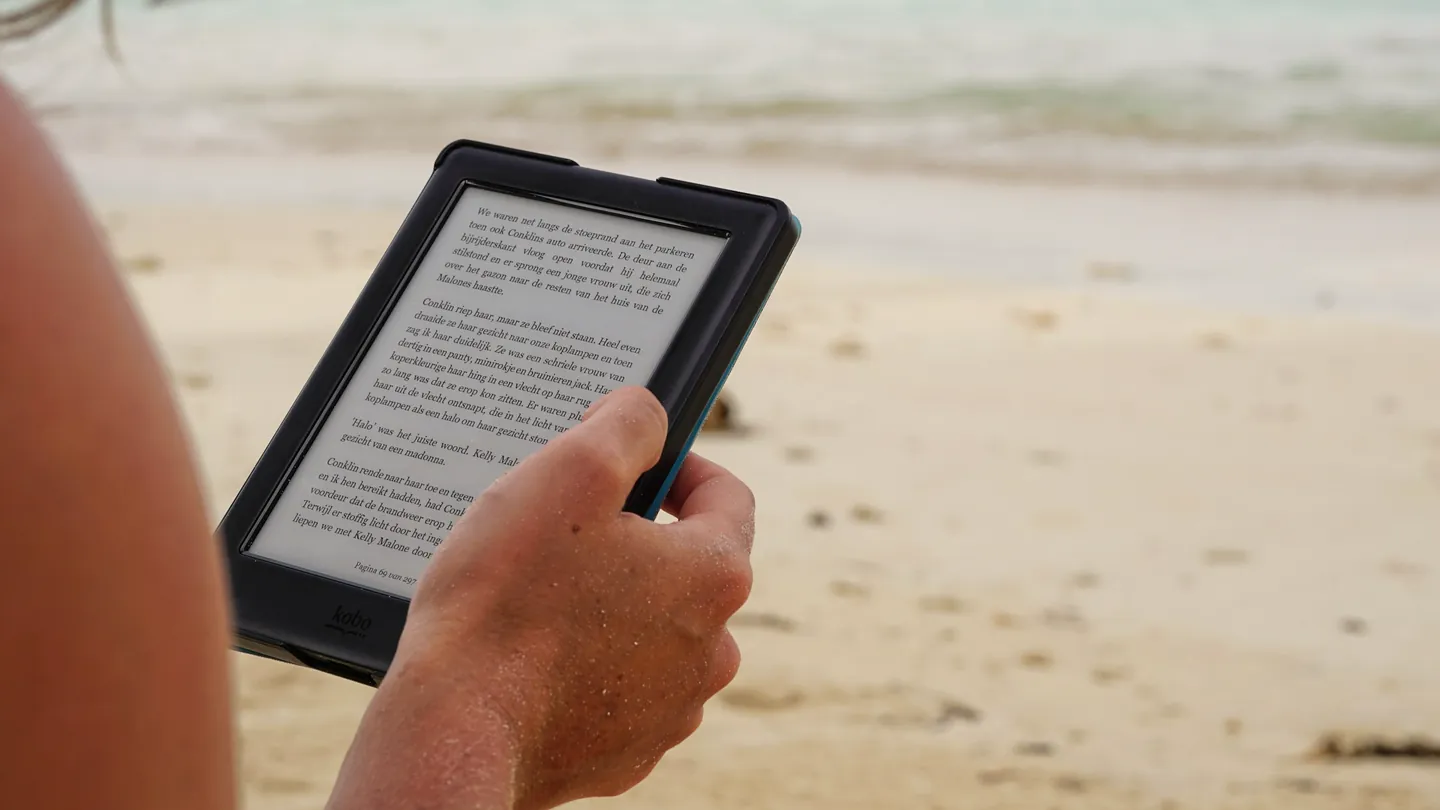
An EPUB is built the other way round. It stores the text as marked-up prose and the device lays it out for its own screen and font, the way a web page adapts to a phone. That is what reflowable means, and why the fix is a format change. The current standard is EPUB 3, defined by the W3C EPUB 3.3 specification, and it is what this tool writes: a proper package with a navigation document and metadata, not a renamed zip. The trade is that text has to be separated from its layout. A novel loses almost nothing; a page of dense tables loses a great deal. Section 6 draws that boundary.
2. See the Text Before You Convert: Is Your PDF Scanned or Real Text?
The most common failure with any PDF to eBook converter is a book that opens perfectly and contains nothing, because the PDF was a scan: photographs of paper with no text layer. People search pdf to epub blank pages no text after the fact.
This tool warns you first. The moment you choose a PDF, an Extracted Text Preview shows the first three hundred characters of each of the first three pages. If you see your opening sentences, the PDF has a text layer. If a page reads <No text extracted on this page>, it is an image, and if all three say it, the whole document almost certainly is. It is the quickest answer to how to tell if a PDF is scanned or has text.
The preview also shows reading order, so a tangled two-column page is visible before you convert all of it. For a scanned document, the route is our PDF OCR tool, which adds a text layer; bring the result back here and the preview will show real text.
3. How to Convert PDF to EPUB Online Free (Step-by-Step)
This is a PDF to EPUB converter free online in the plain sense: no account, no email, no watermark and no daily quota. If you want PDF to EPUB with no signup, here is the process:
Choose your PDF
Click the panel above and pick a single PDF. It is checked for a genuine PDF header, then the page count, size and text preview appear.
Set format and details
Pick EPUB, Kindle HTML, FB2, Markdown or plain text, choose page-per-chapter or a single chapter, and type the title and author.
Convert and download
A progress bar runs through the pages as the file is built. The finished book appears with its size, named after your PDF, ready to download.
The tool takes one PDF at a time, chosen by clicking the panel or dragging a file onto it. A password-protected or encrypted PDF will not open here at all: it fails at the loading step with a “Failed to load PDF” message. Take the password off with the PDF unlocker and choose that copy instead. Since how to convert PDF to EPUB is three clicks, step two is where your attention should go.
4. Five Formats From One PDF: EPUB 3, Kindle HTML, FB2, Markdown, TXT
The text is read once and you pick what it is written into.
EPUB 3.0
The default, and right for Kobo, Apple Books, PocketBook and every modern reading app. A true PDF to EPUB 3 package: mimetype entry first, a container file, an OPF manifest with your title and author, and a nav.xhtml table of contents.
Kindle HTML
Choose this to convert PDF to Kindle format the way self-publishers do: one HTML file with a title block, an author line and an mbp:pagebreak marker between pages. It is Kindle-source HTML meant for Amazon’s own Kindle publishing tools to finish, not a finished .mobi or .azw3.
FB2 (FictionBook 2.0)
The format PocketBook and many Eastern European readers prefer. This is a PDF to FB2 converter online free that writes real FictionBook XML with title-info, author, language and one section per page, so it files properly.
Markdown and plain text
Two side doors. Pick Markdown to convert PDF to Markdown: a title, an author line and a ## Page N heading over each page. Pick TXT to convert PDF to a text file online with a header and page separators. Neither reconstructs lists, tables or links.
If you searched PDF to Kindle HTML with mbp:pagebreak on purpose: yes, that is the marker used. To simply read on a Kindle, choose EPUB, which Amazon’s Send to Kindle service supports.
5. Chapters, Title and Author: The Options That Decide How the Book Files
Two settings besides the format decide how the book behaves in a library.
Chapter division
Split into Chapters by PDF Page gives you PDF to EPUB with one chapter per page: each page becomes its own file with an entry in the EPUB table of contents, so you can jump to page 143 of a manual. Single Continuous Chapter writes one file with a small “Page N” subheading between pages, which reads more like a novel. The choice only affects the EPUB.
Book title and author name
A book that shows up as scan_final_v3 by Unknown Author is why people search PDF to EPUB set title and author metadata. The two text fields fix it: the values go into the EPUB metadata, the FB2 title-info, the Kindle HTML title block and the Markdown and text headers. Ampersands, quotes and angle brackets are escaped, so Q&A: <Notes> will not break the file. Language is always written as English and cannot be changed here.
6. What the Converter Keeps and What It Drops
This is a text-only PDF to EPUB converter, and it is better to know what that means than to find out from the result.
- Kept: every word with a text layer, in page order, written under a heading for that page.
- Dropped: images, figures, diagrams, tables and the cover. No cover image is generated either. If a figure matters, pull it out with extract images from PDF.
- Dropped: fonts, bold, italic, headings, footnotes and links. All text becomes plain paragraphs, and your reader’s own font setting takes over.
- Not reconstructed: paragraphs and real chapters. Each PDF page becomes one block of text; line breaks collapse into spaces in EPUB, FB2 and Kindle HTML and survive in Markdown and TXT. Bookmarks are not read, so “chapters” are pages.
- Not cleaned: running headers, footers and page numbers. Hyphenated words are not rejoined, and multi-column pages can interleave.
For a novel, a thesis, a contract or lecture notes as a PDF to EPUB for your phone, none of that is a deal-breaker. If you need a designed layout intact, our PDF page resizer keeps it a PDF; for an editable document, PDF to Word is the better direction, and if the source is already an EPUB, the eBook converter covers it.
7. Why Cortexis Is the Best Free PDF to EPUB Converter
You see the text before you convert
The first three pages appear as extracted text the moment you pick the file. A scanned PDF announces itself before you have converted a page.
Five formats from one PDF
EPUB 3, Kindle HTML, FB2, Markdown and plain text from the same file, with the same title and author in each.
A real EPUB 3 package
Mimetype-first, container file, OPF metadata and a nav.xhtml table of contents. It opens as a book with a contents menu.
Free, no signup, no watermark, unlimited
No account, no email step, nothing stamped into the book and no daily count. File-size and device-memory limits apply.
Your files stay private
Your PDF and the book made from it are never stored on our servers, never retained after your session, and never used for training or analytics.
Metadata and structure you control
Type the title and author, and choose page-per-chapter navigation or one continuous chapter.
It sits alongside a wider set of free document tools on the same terms. To leave pages out of the book, run the PDF through the PDF page remover or the PDF splitter first.
8. Frequently Asked Questions (FAQ)
How do I convert a PDF to EPUB for free with no signup?
Click the panel at the top of this page, choose your PDF, leave the format on EPUB 3.0 and convert. No account, no email step, no watermark, and free every time rather than for the first few files.
Why did my PDF to EPUB come out with blank pages and no text?
Almost always because the PDF is a scan with no text layer. If the Extracted Text Preview reads “No text extracted on this page”, run the PDF through our PDF OCR tool first.
Does this convert PDF to real Kindle MOBI or AZW3?
No. The Kindle option writes Kindle-source HTML with a page-break marker between pages, the kind of source file Amazon’s Kindle publishing tools take in, not a finished .mobi or .azw3. To simply read on a Kindle, choose EPUB, which Amazon’s Send to Kindle service supports.
Why are the images missing from my PDF to EPUB conversion?
Because this is a text-only converter: photographs, figures, diagrams, tables and the cover are not carried into any format. Pull the pictures out with our extract images from PDF tool, or keep the document as a PDF if layout matters.
Can I convert a PDF to FB2 for a PocketBook?
Yes. Choose FB2 (FictionBook 2.0). The output is genuine FictionBook XML with your title and author and one section per PDF page, which PocketBook devices and FB2 reading apps open as a book with a contents list.
Is there a file size or page limit for converting a large PDF to EPUB?
There is no artificial cap: no page count, no megabyte ceiling and no daily quota. The progress bar walks through every page, so a long document simply takes longer to finish.
Will the chapters in my EPUB match the chapters in the PDF?
No. The converter does not read bookmarks or detect headings, so “chapters” are PDF pages titled Page 1, Page 2 and so on. Split into Chapters by PDF Page puts each in the contents menu; Single Continuous Chapter gives one flowing file.
Need something else from the same document? The PDF OCR tool gives a scanned PDF the text layer this converter needs, PDF to HTML is the choice when the destination is a web page, and the PDF compressor shrinks the original. To understand how EPUB packages, XHTML and Markdown fit together rather than simply use them, our free full-stack web development course starts with the markup every eBook is built from.