

The Markdown to EPUB Converter That Turns Your Headings Into Real Chapters
Most text-to-ebook tools produce a file that opens, then shows one endless chapter with no way to jump around. This markdown to epub converter is built around the opposite idea: every heading in your file becomes a chapter with its own entry in the table of contents, so the book navigates properly on an e-reader or a Kindle. It takes Markdown, plain text or HTML in and writes a standards-correct EPUB 3 out, and it runs the trip in reverse, turning an EPUB into one clean HTML page or a plain .txt. This guide explains exactly how the chapters are decided.
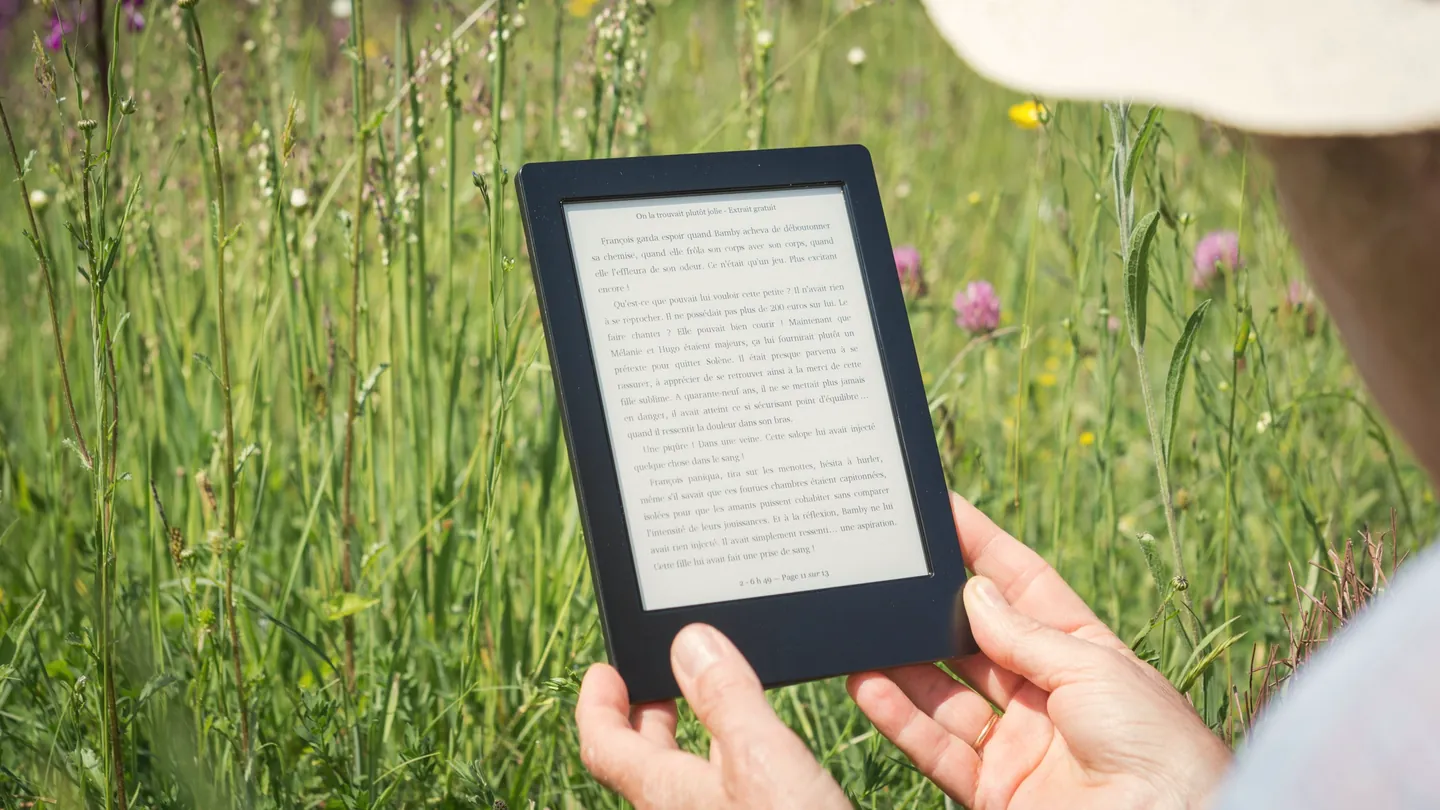
1. What This eBook Converter Does (and Does Not)
The phrase ebook converter covers a lot of ground. This tool has two jobs:
- Build an EPUB from a .md, .txt, .html or .htm file, with your title and author and one chapter per heading.
- Extract an EPUB into a single HTML page or a plain .txt file, in reading order.
The mode is chosen from the extension: an .epub gets the extract options, anything else gets the build form. Equally important is what it is not. It is not a general epub converter in the any-format-to-any-format sense. It does not read or write PDF, MOBI, AZW3 or DOCX, adds no cover image, does not package images, and cannot open a DRM-protected book. If your starting point is a PDF, the PDF to eBook tool is the one you want; for everything else, start at the file converter hub.
2. How to Convert Markdown, TXT or HTML to EPUB Free (Step-by-Step)
No account, no email, no watermark, no file cap. Whether you want a free markdown to epub converter online, a txt to epub converter online free no signup, or an html to epub converter free of gates, the steps are the same:
Choose your file
Click the panel above and select one .md, .txt, .html or .htm file. The title fills in from the filename.
Set title and author
Both go into the EPUB metadata, which is what your reader shows on the shelf. The title also names the download.
Build and download
One click writes the EPUB and a status line confirms the finished size.
That is the whole answer to how to make an EPUB from Markdown without a command-line toolchain: no flags, no templates, no build step. What decides the result is how your file is formatted, which is what the next two sections cover.
3. How Chapters Are Decided: Your Headings Become the Table of Contents
An EPUB is a set of chapter files plus a table of contents that points at them. When someone says my ebook has no chapter breaks, or their epub table of contents is not showing chapters, the converter found no chapter boundary and wrote the book as one file.
This tool uses one rule: every top-level or second-level heading starts a new chapter. In Markdown that is a line beginning with # or ##; in HTML it is <h1> or <h2>. The heading text becomes the chapter name in the table of contents and each chapter is written as its own file. Text before the first heading becomes an opening chapter titled after the book. With no headings at all, the whole file becomes one chapter.
The plain-text rule, with a before and after
A .txt file has no headings, so the tool infers them. Paragraphs are split on blank lines, and any block that is a single line of 80 characters or fewer, not ending in a full stop, comma, question mark, exclamation mark, semicolon or colon, is promoted to a chapter heading:
Before: no navigation
It was a cold morning when the letter arrived.
She read it twice before putting it down.
Chapter two. The road north was empty...
No blank lines, no short unpunctuated line on its own. The whole story becomes one chapter.
After: three chapters in the TOC
Chapter One

It was a cold morning when the letter arrived.
She read it twice before putting it down.

Chapter Two

The road north was empty...
Each title sits alone between blank lines with no closing punctuation, so each one becomes a chapter.
This is the fix for fanfiction txt to epub jobs, a novel draft, or any saved story where the txt file shows as one long chapter on Kindle. For a markdown to epub with table of contents that maps to your outline, use # for parts and ## for chapters; ### and below stay as headings inside a chapter, because only the first two levels split.
4. Which Markdown Is Supported, and What Happens to HTML
The markdown to epub path understands the everyday subset most writing uses. It is better to know the edges now than in the finished book.
Supported
Headings from # to ######, unordered lists with -, * or +, ordered lists with 1. or 1), horizontal rules, paragraphs, bold, italic, inline code spans and [links](url).
Not supported
Fenced code blocks, blockquotes, tables, images, nested lists and raw HTML inside the Markdown. Those lines come through as plain text, unstyled.
Name the file with a lowercase .md extension; an uppercase .MD is handled as plain text, and the same goes for .HTML. One file at a time: there is no batch mode and no preview before the download. This also makes the tool a clean route for Obsidian notes to EPUB: vault notes are ordinary Markdown, and a merged note with ## headings reads on an e-reader as a properly chaptered book.
When you convert an HTML file to EPUB
To convert an HTML file to EPUB, only the body of the page is used, and chapters split on <h1> and <h2> as above. Images are not packaged into the book, so a saved article with photographs arrives as text with gaps. A tidy export from a notes app converts more cleanly than a full page saved from a website; to keep a web page as a document, the save web page as PDF tool is the better fit.
5. Why the EPUB Opens on Kindle and Passes as Valid
Two searches share one frustration: send to kindle epub not supported and epub file won’t open, invalid. Both are usually a packaging problem. An EPUB is a zip archive with strict rules about what is inside and in what order, defined by the W3C EPUB 3.3 specification. Hand-zipped folders break those rules and readers reject the file. The package this tool writes follows the specification deliberately:
- The mimetype entry comes first and is stored uncompressed, the first thing any reader checks.
- A container file points at the package document, which carries your title, author, a unique identifier and a timestamp.
- Two tables of contents: the EPUB 3 navigation document modern readers use, and the NCX table that EPUB 2 readers and older devices expect. Both list the same chapters.
- One XHTML file per chapter in reading order, plus a small readable stylesheet.
Send to Kindle accepts EPUB, which is why markdown to epub for Kindle no longer needs a MOBI step, and real chapter entries are what make the Kindle table of contents appear. To see the finished file inside, the archive extractor will open it like any zip.
6. EPUB to TXT and EPUB to HTML: The Other Direction
Select an .epub and the tool becomes an epub to txt converter online free of any signup, or an epub to html converter online, depending on the output you choose. It walks the book’s spine and joins every chapter in reading order, so both EPUB 2 and EPUB 3 books work.
Single-file HTML
One page, each chapter in its own section, with a simple readable stylesheet. This is how to convert an EPUB to a single HTML file rather than a folder of fragments. The original CSS and fonts are not carried across, image tags survive but the image files do not, and the heading at the top of the page is a generic label you can edit.
Plain text
Every tag stripped, list items turned into bullets, paragraphs separated by a blank line and chapters by a wider gap. Bold, italic, footnote links and images are dropped. This is the answer to how to extract text from an EPUB when what you need is words, not layout.
Plain text lets you copy text from an EPUB without a reader app that blocks selection, and it is the cleanest way to convert an EPUB to plain text for text to speech or translation. It cannot open a DRM-protected book: a locked file either fails with a read error or yields unreadable content. For a book you have as a PDF, the PDF to Word converter or PDF to HTML converter gets the text out.
7. Why Cortexis Is the Best Free Markdown to EPUB Converter
Headings become chapters, documented
The one rule that decides your table of contents is written down on this page, not hidden behind an upload button.
A spec-correct EPUB 3 package
Stored mimetype first, container file, package document, EPUB 3 nav and EPUB 2 NCX fallback. It is built to open on old readers, new readers and Kindle.
Free, no signup, no watermark
No account, no email, no daily quota, no trial countdown. Both directions, neither behind a tier.
Both directions in one place
Build an EPUB from Markdown, text or HTML, or take an EPUB apart into one HTML page or clean plain text.
Your books stay private
Nothing you convert is stored on our servers, retained after your session, or used for training or analytics.
Honest about its limits
No PDF, no MOBI, no cover, no images. The page says so and points you to the right tool instead.
It sits alongside a wider set of free document tools: the PDF to eBook converter, the archive creator and the file renamer are a click away when a chaptered EPUB is only part of the job.
8. Frequently Asked Questions (FAQ)
Is this markdown to epub converter really free with no signup?
Yes. Choose a .md file, set the title and author, and download the EPUB. No account, no email step, no watermark, the file-size limits shown above and no cap on how many times you use it.
Why does my EPUB table of contents show only one chapter?
Because no chapter boundaries were found. Chapters split on # and ## in Markdown, or h1 and h2 in HTML. In a .txt file a chapter title must sit alone between blank lines, be 80 characters or fewer, and not end in punctuation.
Can I create an EPUB from a text file with no headings at all?
You can, but the whole file becomes one chapter named after the book title. Add short unpunctuated title lines between blank lines wherever you want a break.
Will the EPUB work with Send to Kindle?
Send to Kindle accepts EPUB, and the package this tool writes follows the EPUB 3 specification: stored mimetype first, container file, package document, EPUB 3 nav and EPUB 2 NCX. Files rejected as "not supported" are usually missing one of those.
Can it convert PDF to EPUB, or make a MOBI or AZW3 file?
No. It accepts .md, .txt, .html, .htm and .epub, and writes EPUB, HTML or TXT. For a PDF, use our PDF to eBook tool. It also does not add a cover, package images, or set a metadata language other than English.
How do I extract text from an EPUB without a reader app?
Choose the .epub, pick Plain Text Document, and download the .txt. Chapters arrive in reading order with tags stripped. It cannot open a DRM-protected book.
Are my files stored anywhere?
No. Nothing you convert is stored on our servers, retained after your session, or used for training or analytics.
Different starting point? The PDF to eBook converter handles PDFs, the PDF to HTML tool produces a page you can turn into a book here, and the archive extractor looks inside any EPUB. If you would rather understand how HTML and document structure actually work than just use them, our free full-stack web development course starts with exactly that.