6 min read
Direct Answer: Typing practice for programmers on real code in JavaScript, Python, SQL, Go, Rust and more. Train brackets and symbols in a free live typing race.
- Typing practice for programmers on real code in JavaScript, Python, SQL, Go, Rust and more. Train brackets and symbols in a free live typing race.
- Authored by Umair with actionable, zero-fluff implementation guidance.
- Verified for immediate practical application, production workflows, and professional skill enhancement.
Typing practice for programmers has to look like code. A normal typing test gives you a paragraph of English, and English barely uses the keys a developer reaches for all day: curly braces, square brackets, arrows, equals signs, quotes, underscores and semicolons. You can type 80 words per minute on prose and still slow to a crawl on items.filter((i) => i.active).
This guide explains why coders need their own kind of typing practice, which characters to train, and a short daily routine. It uses the code mode in TypeDash, our free multiplayer typing race, where every passage is a real line of code.
Why prose typing tests miss what programmers type
Typing tests measure words per minute on ordinary sentences. That is useful, but code is different in three ways:
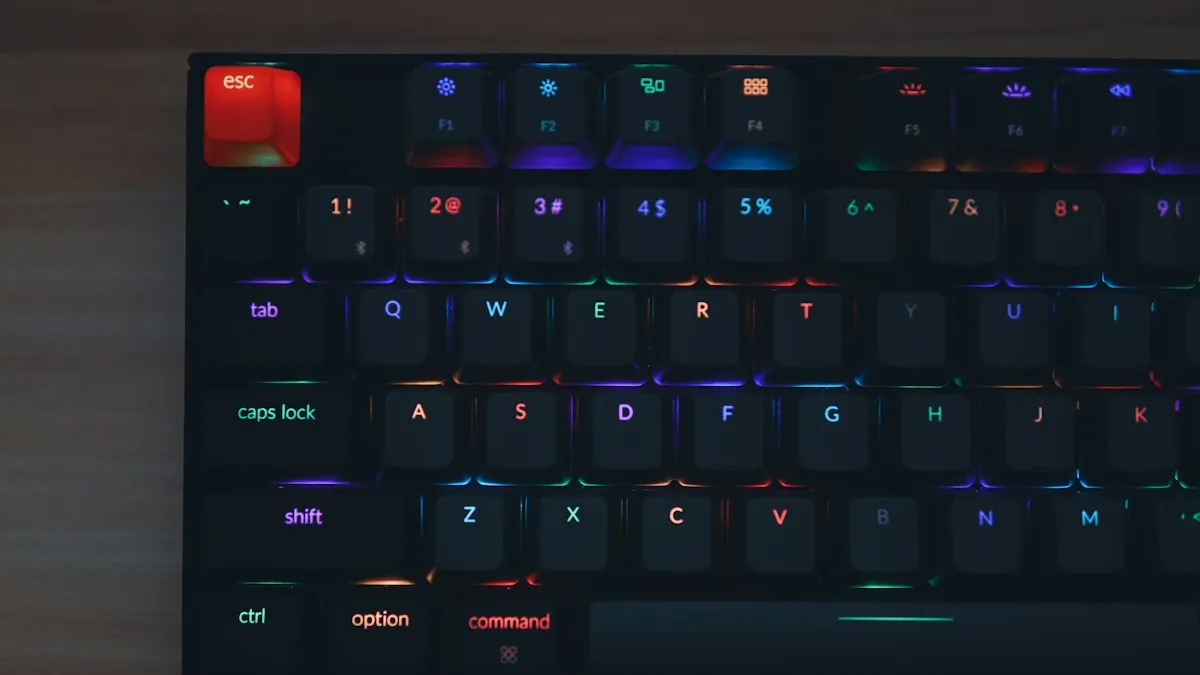
- Symbols everywhere. A single line of JavaScript can have more symbols than letters. Most of them sit on the top row or need Shift, which is where fingers leave the home row and lose their place.
- Unusual word shapes.
camelCase,snake_case,getElementByIdand__init__do not follow the letter patterns your fingers learned on prose. - Precision over speed. A typo in an email is a typo. A typo in code is a bug, a failed build or ten minutes of searching for a missing bracket.
So the goal for programmers is not a big number on a prose test. It is typing code accurately without looking down, so your attention stays on the problem you are solving.
The characters that slow coders down
Watch yourself type a few lines of your own code and you will probably find the same trouble spots most developers have:
| Characters | Where they show up |
|---|---|
{ } [ ] ( ) | Every block, array, object and function call |
=> === !== | Arrow functions and comparisons in JavaScript and TypeScript |
" ' and backticks | Strings and template literals |
_ - | snake_case names, CSS classes, command line flags |
: ; | Python blocks, object literals, statement ends |
< > / | HTML, generics, closing tags, file paths |
$ # @ % | Shell scripts, comments, decorators, formatting |
Practising these on their own is boring. Practising them inside real lines of code, the way they actually appear, is far more useful.
Real code to practise on
TypeDash has a dedicated code mode featuring syntax from languages ranked highest in the Stack Overflow Developer Survey—20 real one liners and short snippets across the languages developers write every day:
- JavaScript & TypeScript: filter, map, reduce, debounce, and generic constraints
- Python & SQL: word counts, dataclasses, and windowed queries
- Go & Rust: Fibonacci recursion, error handling, and iterators
- Shell & Git: log parsers and commands from official Git documentation
- Web & Config: CSS grid layouts, JSON manifests, and YAML pipelines
Each one is typed exactly as written, symbols and all. There is also a numbers and symbols mode with dates, prices and codes, which is good training for the top row.
A 15 minute typing routine for programmers
Short, daily sessions beat one long weekend session. Try this:
- Warm up, 3 minutes. One prose passage in practice mode at an easy pace, to settle your hands on the home row.
- Code, 7 minutes. Code mode passages against a pacer set a little below your comfortable speed. Aim for zero mistakes rather than speed. TypeDash's pacer can be set anywhere from 35 to 110 words per minute.
- Symbols, 3 minutes. One or two numbers and symbols passages.
- One race, 2 minutes. Finish with a live race, or the daily challenge, which gives everyone the same passage each day and counts only your first finished run.
Do it five days a week and keep the streak going. In TypeDash every day in a row adds 5 percent to the points you earn, up to 50 percent, and practice runs count towards the streak too.
Accuracy first: let the combo keep you honest
The fastest way to get faster is to stop making mistakes, because every error costs you a backspace and a moment of lost rhythm. TypeDash builds this into the game. Every correct key in a row grows your combo, which raises your score multiplier at 10, 25, 50 and 100 keys, and a single wrong key resets it. Every flawless word charges your nitro. The game pays you for clean typing, which is exactly the habit you want when writing code.
If your accuracy on code drops below what you manage on prose, slow the pacer down. Speed comes back on its own once the symbols stop being a surprise.
Do you have to type fast to be a programmer?
No. Programming is mostly reading, thinking and debugging, and plenty of excellent developers type at an ordinary speed. But being comfortable on the keyboard matters more than people admit. If you have to look for the bracket keys, part of your attention is on your hands instead of your code. The aim of typing practice for programmers is not to win races, it is to make typing invisible.
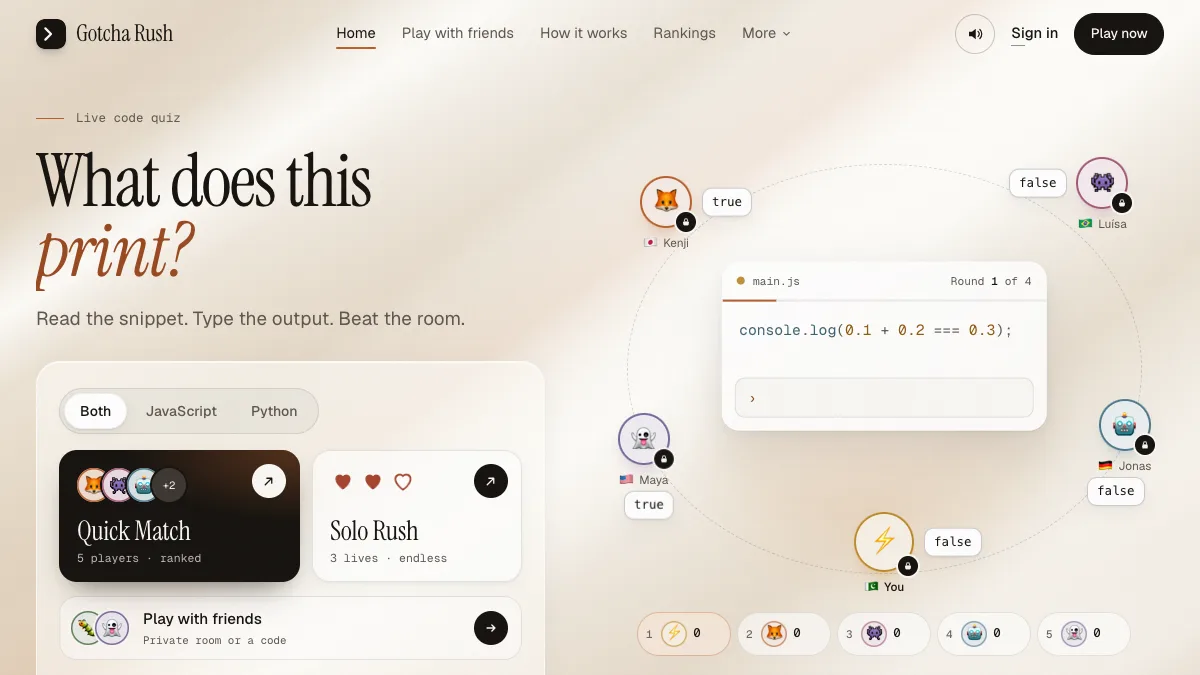
If you are learning to code at the same time, pair typing practice with a course. Our free full stack web development course and Git and GitHub course are full of the exact syntax you will be typing. And when you want to test how well you read code rather than type it, try Gotcha Rush, where you predict what a snippet prints.
Questions, answered
05 questions
Practice on real code rather than prose, because code is full of symbols that ordinary typing tests never ask for. A short daily routine on real snippets, with accuracy as the first goal, works better than occasional long sessions.
The code mode includes JavaScript, TypeScript, Python, SQL, Go, Rust, Bash and shell, HTML, CSS, JSON, YAML and Git commands, across 20 real snippets.
Raw speed matters less than accuracy and comfort. What helps most is typing symbols without looking, so your focus stays on the problem instead of the keyboard.
Yes. It is free to play in the browser with no sign-up. Your progress is saved to your browser automatically. See our other [free coding games](/games) too.
Learn which finger owns each symbol and practise them inside real lines of code, not as isolated drills. Slow down until you can type them without looking, then raise the pace a little at a time.