

How to Sign a PDF Online Free: Draw, Type or Upload Your Signature, Add the Date, and Know What Kind of Signature You Made
A lease that needs your signature by tonight, a permission slip, an NDA from a new client: somebody sent a PDF with a line at the bottom, and print, sign and scan is the last thing you want to do. This guide shows how to sign a PDF online free with the tool above: create an electronic signature by drawing, typing or adding a picture of your own, put it exactly on the line, add the date and your name, and download a clean signed copy. It also explains, without the usual blur, what an e sign PDF result is legally and when you need something stronger.
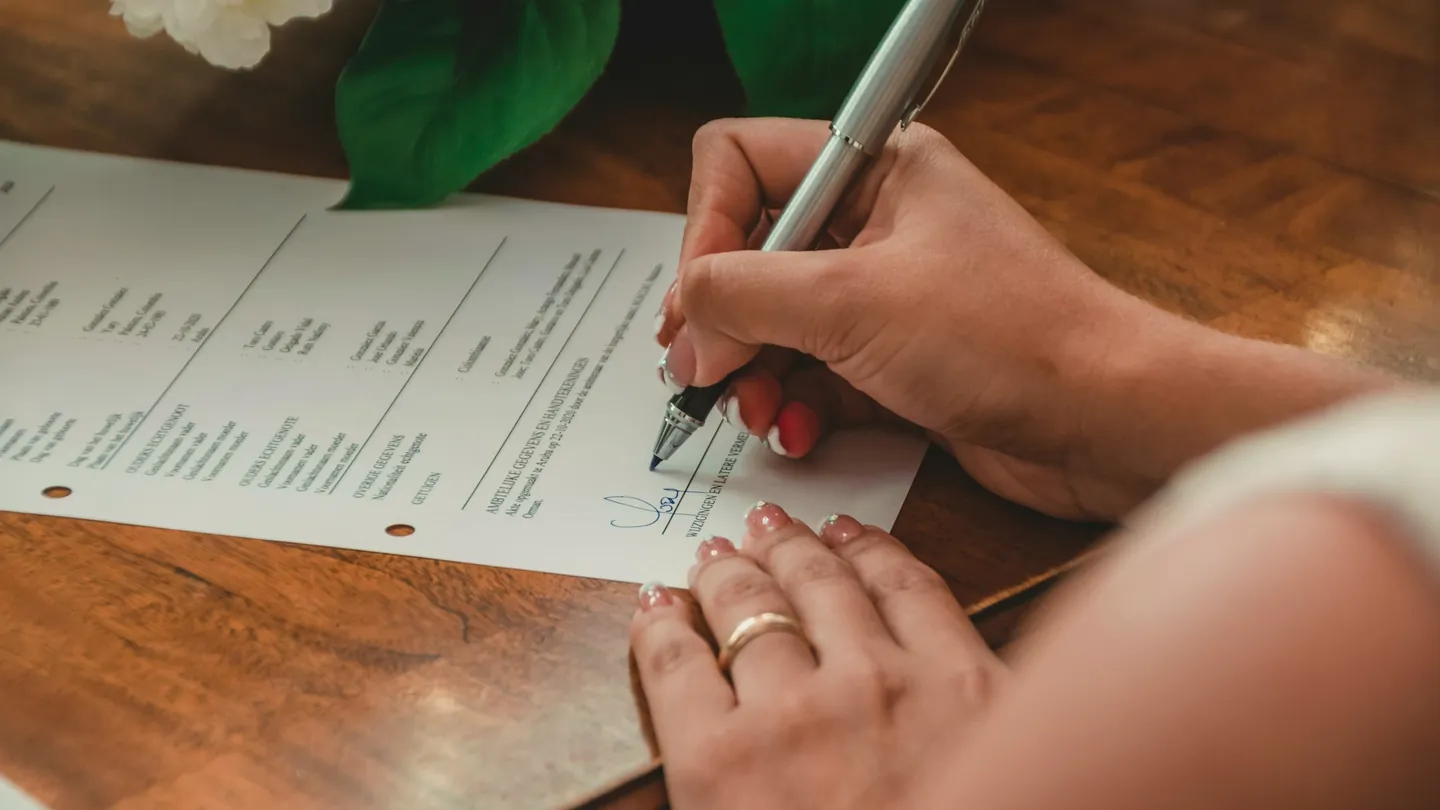
1. What It Means to Sign a PDF Online
To sign PDF documents electronically means putting your mark on the page as you would with a pen. When you sign PDF online here, your signature becomes part of the page: it prints like the rest of the document and looks the same in every PDF reader.
This is the right tool whenever the person asking for your signature simply needs to see it on the page. That covers most everyday paperwork: rental agreements, consent forms, school slips, invoices, and non-disclosure agreements. It is also the fastest answer to how to sign a PDF without printing, because the whole print, sign and scan loop disappears, and to how to sign a PDF without paid PDF software: there is no subscription and no editor to buy.
It does not send a document out for other people to sign, and it does not attach an identity certificate. Section 6 explains when that matters.
2. How to Sign a PDF Online Free in Three Steps
Here is how to add a signature to a PDF with the tool at the top of this page. There is no account to create and no email to hand over.
- Choose the PDF. Drop it on the first panel or click to browse. If the file asks for a password to open, you will be told to remove the protection first; the PDF unlocker does that in a moment when you know the password.
- Make your signature. Pick Draw, Type or Upload image under Method.
- Place it and download. Leave What to place on Signature and click the page preview where the signature belongs. Drag the box to move it and pull its corner to resize, then press Sign & download. You get a copy named -signed.pdf, and your original stays as it was.
The page preview is an outline of where text and images sit rather than a full picture, so check the finished file’s own preview before you download it.
3. Draw, Type or Upload: Choosing Your Signature
The second panel works as a small online signature generator. Each method suits a different situation.
Draw
To draw a signature on a PDF, sign across the pad with whatever you have. On a phone or tablet a finger works well, and the ink colour defaults to a dark navy that reads like a real pen. Press Clear to start again.
Type
To sign a PDF with a typed name, enter it and pick Script, Serif, Casual or Bold, plus a colour. The styles draw on common system fonts, so Script may look slightly different on a Mac, a Windows PC or a phone. Check the live preview before you place it.
Upload image
To upload a signature image to a PDF, add a photo or scan of your handwritten signature. A PNG with a transparent background works best; a photo on white paper works too, as the next section shows.
Drawn and typed signatures are trimmed to the ink automatically. Set Signature width (% of page) for the first box, then fine-tune by dragging the corner. Every signature box in the document uses the same signature.
4. Fixing the White Box Around a Signature
The most common complaint after people add a signature to a PDF free elsewhere is this one: the signature has a white box on the PDF, a pale rectangle covering the printed line. A photo or scan keeps its paper background.
The checkbox Make white background transparent is on by default. It turns near-white areas of an added image clear and fades light grey ones, so the line underneath shows through. Drawn and typed signatures have no background at all.
This is also the quickest answer to how to make a transparent signature PNG worth keeping:
- Sign on plain white paper with a dark pen.
- Photograph it straight on, in even light, with no shadow.
- Crop close to the signature with the image cropper and add it here with the checkbox left on.
Coloured, lined or shadowed paper needs one more step. The option only clears near-white areas, so a yellow sticky note or a grey shadow will stay. Run the photo through the background remover first, then add the result here.
5. Adding the Date, a Name Line and Several Pages
Most forms ask for more than a signature. If you are wondering how to add a date to a PDF, switch What to place to Date and click beside the date line. The Date text field is filled with today’s date in year-month-day form; edit it to the format your form expects, such as 25/09/2026 or September 25, 2026. For a printed name and title under the signature, switch to Text line, type something like “Jane Smith, Director”, and click where it goes. Text size runs from 6 to 36 points.
To sign multiple pages of a PDF, use the page selector above the preview to move between pages and click to add a box on each one. The status line counts your placements and pages, so you can check nothing was missed. Each box is placed by hand, so you control where every mark lands.
One detail to plan around: every signature box in a document uses the same signature, every date box shows the same date text, and every text box shows the same text line. If a contract wants your full signature on the last page and initials on every other page, do it in two rounds. First place your initials (drawn, or typed as the text line) on each page and download. Then add the signed copy back into the tool, place your full signature, date and printed name, and download again.
To sign a lease agreement PDF online, that is the whole routine: initials, signature, date, printed name. The date and text lines are written in a standard black typeface that covers English and other Latin-alphabet languages. Their font and colour cannot be changed, and Arabic, Urdu, Chinese or Cyrillic text will not display in those lines. If you need your name in another script, write it by hand on the Draw pad so it goes onto the page as part of the signature image instead.
6. Electronic Signature vs Digital Signature
These terms are often used interchangeably. They are not the same, and the difference decides whether this tool is enough.
- An electronic signature is any mark that shows you agreed: a drawn signature, a typed name, a pasted image. That is what this tool produces: visible and part of the page.
- A digital signature is a certificate-based seal tied to a verified identity, checked in a reader’s signature panel. No tool on this site creates one.
Are electronic signatures legally binding? In many countries the simple kind is accepted for most everyday agreements. In the United States the ESIGN Act says a signature cannot be denied legal effect just because it is electronic, and in the European Union the eIDAS Regulation recognises simple, advanced and qualified electronic signatures. Rules still vary by country and document type, and wills, property deeds, court filings and some government forms often need a certificate, a witness or wet ink; if the request asks for a certificate signature, follow that. This guide is general information, not legal advice.
One practical point: the signed copy can still be edited by anyone who has it. If you want it locked, add a password with the PDF password protector after signing.
7. Why Sign Your PDFs with Cortexis
Many sites promise free signing, then ask for an account or stamp their name on the result. If you want a free PDF signer with no account, here is what you get, stated so you can check every line.
Free, with no account
No sign-up and no email address to hand over. The tool on this page is the whole product, with nothing to unlock later.
No watermark on your document
A free esignature tool with no watermark: the only things added to your pages are the signature, date and text you placed.
Three ways to sign
Draw with a finger or mouse, type your name in one of four styles, or add a photo of your real signature with the white background cleared.
Date, name and several pages
Place a date, a name and title line and as many signature boxes as you need, across any pages of the document.
Your documents stay private
Files are never stored on our servers and nothing is retained once you have your signed copy.
Nothing is used for training
Your contracts and forms are never used for training. What you sign stays yours.
It is one of a wider set of free document tools built on the same terms. If the form has empty fields you need to fill before signing, the fillable PDF maker adds form fields, and the PDF flattener locks the filled answers into the page.
8. Frequently Asked Questions (FAQ)
How do I sign a PDF online for free?
Add the PDF to the tool above, draw, type or add an image of your signature, and click the page preview where it belongs. Press Sign & download to save the copy named -signed.pdf, with no account and no watermark.
Can I sign a PDF on iPhone or Android?
Yes. To sign a PDF on iPhone, or to sign a PDF on Android free, open this page, choose the file, pick Draw and sign with your finger. Placing and downloading work as on a laptop.
Does it work on Windows and Chromebook?
Yes. To sign a PDF on Windows without paid PDF software, or sign a PDF on a Chromebook, the steps are the same as anywhere else: choose the file, make your signature, place it and download. You do not need a paid PDF editor or an account.
My PDF app’s fill and sign option is not working. What can I do?
If the sign option is greyed out or the file will not open, the PDF is usually password-protected or secured by its sender. Remove the protection with the PDF unlocker (you need the password), then sign it here. If the app simply keeps failing, add the PDF to the tool above instead: draw, type or add an image of your signature, click where it goes and download the signed copy.
Is it safe to sign a PDF online here?
Yes, you can sign a PDF privately here. Your files are never stored on our servers, nothing is retained after you download the signed copy, and nothing is used for training. For a sensitive contract, you can also add a password to the signed file with the PDF password protector.
Are electronic signatures legally binding?
For most everyday agreements in many countries, yes; the US ESIGN Act and the EU eIDAS Regulation both recognise simple electronic signatures. Wills, deeds and some government forms may need more, so check what the recipient requires.
Is this a digital signature with a certificate?
No. It is a visible electronic signature drawn into the page, not a certificate-based digital signature. If a document asks for a certificate signature, you will need a service that issues one.
Can I send the PDF to other people to sign?
Not from this tool. It signs one PDF for you, with no invitations, reminders or audit trail. Each person can sign their own copy here and send it back.
Can I add different initials and a full signature in one go?
Every signature box in one pass uses the same signature, and every text box the same text line. Place your initials first and download, then add that signed copy back into the tool for the full signature, date and name.
Can I fill in the form fields before signing?
This tool places a date or a single text line where you click; it does not type into existing form boxes. To add fields to a form, use the fillable PDF maker, and use the PDF flattener to lock filled answers in place.
Why does my signature have a white box around it?
The image still has its paper background. Keep the Make white background transparent option ticked and near-white areas become clear. For coloured or shadowed paper, use the background remover first.
Signed and ready to send? Join the signed pages with the rest of the pack using the PDF merger, shrink a large scanned contract for email with the PDF compressor, or turn photos of paper forms into one PDF with the image to PDF converter. Need to change wording rather than sign it? Convert the file with the PDF to Word converter, or hide private details before sharing with the PDF redaction tool.