

The Free Audio Trimmer and Ringtone Maker: Cut the Part You Want, Fade It, and Export M4A or WAV
The chorus of a song you want as your ringtone. Twenty seconds of a podcast interview worth sharing. A voice note with a minute of fumbling before anyone speaks. All three are the same job: keep one stretch of sound and throw the rest away. This guide shows how to use the audio trimmer above as an audio cutter, an MP3 cutter and a ringtone maker in one, how to get a finished ringtone onto an iPhone or an Android phone, how to soften a harsh start with a fade — and, just as plainly, what the tool does not do and where to go instead.
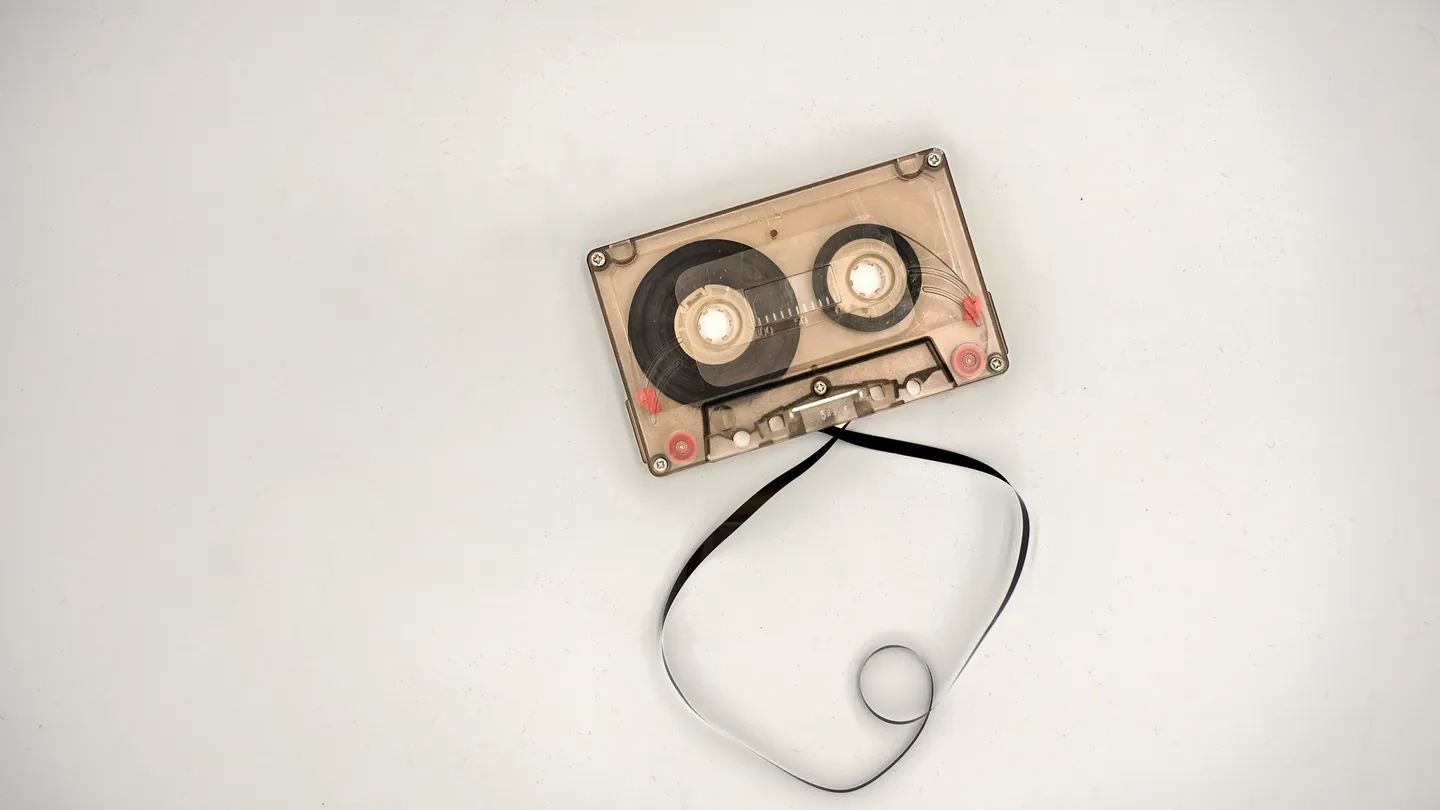
1. What an Audio Trimmer and Audio Cutter Do
An audio trimmer keeps one continuous section of a recording and discards the rest. Whether you call it an audio cutter or an MP3 cutter, the question is the same: how to cut part of a song or recording so only the useful bit is left.
The tool above opens MP3, WAV, OGG, Opus, M4A, AAC, FLAC and WebM audio, one file at a time. It also accepts an MP4 or WebM video and keeps only its sound, so you can cut audio from MP4 video online when all you want is a line of dialogue. Typical uses:
- Ringtones and alerts — the hook of a song as a ringtone, or a short sting as a notification or alarm.
- Voice recordings — to cut a voice memo in M4A, remove the silence at the start and the “is it recording?” at the end.
- Lossless material — trim WAV file online or trim FLAC file online and keep the result lossless by exporting WAV.
2. How to Trim an Audio File in Five Steps
Here is how to trim an audio file with the tool above — the whole process for anyone who wants to trim audio online free, with no account and no watermark.
- Add the file. Drop it onto the panel. The waveform appears with the whole track selected.
- Set the start and end. Click the waveform: each click moves whichever handle is nearer, and the kept section is shaded blue. The Start and End sliders fine-tune it, and the line above the waveform shows the clip length in seconds.
- Shape it (optional). Add a fade in or fade out, change the volume, or tick Mono. Section 4 explains each one.
- Preview the selection. Press Preview selection to hear exactly what will be exported, fades and volume included.
- Choose a format and export. Pick M4A / AAC (ringtone-friendly) for a small file that plays on phones, or WAV (lossless) for editing or archiving, and press Export. A player lets you check the result before downloading. Your original file is never overwritten, it is never stored on our servers, and nothing is retained once you are done.
3. Ringtone Maker: iPhone and Android
For how to make a ringtone from a song, the Preset menu does the arithmetic. Place the start handle where the hook begins, then choose a preset: it sets the end that many seconds later (or at the end of the file). You can still nudge the end afterwards.
- Ringtone (max 30 s) — a comfortable length for most ringtones, which is why people look for a 30 second ringtone cutter.
- iPhone ringtone (max 40 s) — the longest ringtone an iPhone accepts.
- Notification (15 s) — for message tones and alerts.
How to make a custom ringtone for iPhone
This is the part most iPhone ringtone maker pages skip. To make M4R ringtone from MP3 files or any other song you own:
- Trim the clip with the iPhone ringtone (max 40 s) preset and export as M4A / AAC.
- Rename the downloaded file so it ends in .m4r instead of .m4a. Only the extension changes.
- Drag the .m4r onto the iPhone in Finder on a Mac, or use Apple Devices or iTunes on Windows. GarageBand on the iPhone can also save a clip as a ringtone.
- On the iPhone, open Settings, then Sounds & Haptics, then Ringtone, and pick it.
Apple’s own guide to using tones and ringtones on iPhone covers the Settings side in more detail.
One thing to check before you rename: after export, a short note appears above the download. If it reads AAC-LC, the file is the standard AAC audio an iPhone ringtone expects. If it says the clip was saved as Opus because AAC was not available, reopen this page in an up-to-date version of Safari, Chrome or Edge and export again so you get AAC. If only WAV is offered, export WAV and convert it with the audio converter first, then rename the M4A result to .m4r.
Android ringtones and notification sounds
Android is simpler: it plays M4A directly, so no rename is needed. Copy the file into the phone’s Ringtones folder (or Notifications for an alert), then choose it under Settings, Sound, Ringtone; menu names vary a little between makers. To make a notification sound from a song on Android, use the 15-second preset and a short fade out.
4. Fade In, Fade Out, Volume and Mono
A cut in the middle of a song usually starts or ends with a click or a jolt, which is why an audio trimmer with fade in and fade out matters.
- Fade in and fade out — each can be set from 0 to 10 seconds in tenth-of-a-second steps, rising or falling in a straight line. For how to add fade out to audio: one to two seconds suits a ringtone, longer suits music.
- Volume — a slider from 10% to 300%, the simple way to boost the volume of an audio clip online or make an audio clip for an alarm sound that actually wakes you. There is no limiter, so very high settings on a loud track will distort.
- Mono — tick it to convert stereo to mono audio online. All channels are averaged into one, which suits voice recordings.
5. Fixing Four Common Problems
Custom ringtone not showing up on iPhone. Usually the file still ends in .m4a, runs past 40 seconds, or reached the phone through a messaging app or cloud folder rather than Finder, Apple Devices, iTunes or GarageBand.
iPhone ringtone too long. Re-open the original, choose the iPhone ringtone (max 40 s) preset and export again. If you nudge the end handle afterwards, check the clip length so it does not creep past the limit.
Trimmed audio file bigger than original? You exported WAV from a compressed source such as an MP3. Uncompressed WAV can outweigh the whole song. Choose M4A / AAC for a small file, or run the WAV through the WAV compressor if you need to keep the format.
Ringtone starts too loud or abrupt? Add a fade in of one to two seconds, and if the whole clip is harsh, lower the volume below 100%. Starting a beat before the hook helps the fade feel natural.
6. What This MP3 Cutter Does Not Do
The tool opens MP3 but does not export it: the choices are M4A / AAC and WAV, which play on every current phone and computer. If you genuinely need an MP3, trim here and then use the audio converter or the M4A to MP3 converter.
- One continuous section, one file. You cannot delete a middle chunk and join the ends, or merge, crossfade or batch several files.
- No typed timestamps or zoom. Selection is by clicking the waveform and using the sliders.
- No bitrate choice. M4A is AAC at 128 kbps and WAV is 16-bit. To shrink a file, use the MP3 compressor or the WAV compressor.
- Not a lossless cut of an MP3 or AAC file. The clip is re-encoded on export; for archiving, export WAV.
- No effects beyond fades, volume and mono. There is no noise reduction, EQ, normalisation, pitch or speed change.
- Video in, audio out. A video gives you an audio clip, not a shorter video. For that, use the video trimmer; for the full soundtrack as MP3, use MP4 to MP3.
7. Why Use the Cortexis Audio Trimmer
Plenty of sites offer an audio cutter online or a free ringtone maker online; many ask for an account first. Here is what you get instead.
Genuinely free, no account
No sign-up, no email and no watermark on the audio. The tool on this page is the whole product.
Ringtone presets built in
Ringtone (30 s), iPhone ringtone (40 s) and Notification (15 s) set the length for you, and the M4A export is ready to rename to .m4r.
Fades, volume and mono
Fades up to 10 seconds, volume from 10% to 300% and a mono downmix, all heard in the preview.
Your recordings stay private
Files are never stored on our servers and nothing is retained after your session, which matters for voice memos and interviews.
Nothing is used for training
Your audio is never used to train any model.
Honest about formats
M4A / AAC or lossless WAV out, and no pretending otherwise about MP3.
It is one of a wider set of free media and document tools built on the same terms, including the video muter for silencing a video.
8. Frequently Asked Questions (FAQ)
How do I trim an audio file for free?
Add the file to the audio trimmer at the top of this page, click the waveform to set the start and end, preview it, then choose M4A or WAV and press Export. There is no account and no watermark.
Can I export the trimmed clip as an MP3?
No. It opens MP3 files but exports M4A (AAC) or WAV, which play on every current phone and computer. For an MP3, trim here and then use the audio converter or the M4A to MP3 converter.
How do I make a ringtone from a song for my iPhone?
Place the start at the hook, choose the iPhone ringtone (max 40 s) preset, and export as M4A. Rename the file from .m4a to .m4r, add it through Finder, Apple Devices or iTunes, then pick it under Settings, Sounds and Haptics, Ringtone.
Why is my custom ringtone not showing up on my iPhone?
The usual causes are an extension that still reads .m4a instead of .m4r, a clip longer than 40 seconds, or a transfer method that does not register ringtones. Fix the name, re-trim with the 40-second preset if needed, and add it again.
What do I do if my iPhone ringtone is too long?
An iPhone ringtone too long for the 40-second limit will not appear in the list. Open the original song again, choose the iPhone ringtone (max 40 s) preset and export a new M4A. If you move the end handle afterwards, check the clip length shown above the waveform before you export.
Why is my trimmed audio file bigger than the original?
You most likely exported WAV from a compressed file such as an MP3. WAV is uncompressed, so even a short clip can outweigh the whole song. Export as M4A for a small file instead.
Can I cut audio out of a video?
Yes. Drop an MP4 or WebM video onto the tool and it keeps only the sound, which you can trim and export as M4A or WAV. The video itself is not shortened; for that, use the video trimmer.
Can I remove a section from the middle of a song?
Not with this tool. It keeps one continuous selection and discards everything outside it, so it cannot delete a middle part and join the two ends. It also does not merge files.
Is it safe to trim private recordings here?
Your files are never stored on our servers, and nothing is retained after your session. They are never used for training, so a voice memo or interview stays yours.
Next steps: turn an OGG recording into an MP3 with the OGG to MP3 converter, turn a finished clip into a video file with MP3 to MP4, or change the pace of a video with the video speed changer. To learn how tools like this are built, try our free full-stack web development course.