10 min read
Direct Answer: Yes if the bot drives the normal app, no if it runs on Meta's official platform. Where that line sits, and what actually triggers a ban.
- Yes if the bot drives the normal app, no if it runs on Meta's official platform. Where that line sits, and what actually triggers a ban.
- Authored by Abdullah with actionable, zero-fluff implementation guidance.
- Verified for immediate practical application, production workflows, and professional skill enhancement.
Yes, if your bot works by driving the ordinary WhatsApp app. No, if it runs on Meta's official platform, which exists precisely so that software can send and receive messages without breaking the rules.
That distinction explains nearly every ban story you will read. The rest of this is where the line sits, why the cheap tools all sit on the wrong side of it, and what makes WhatsApp pull the trigger.
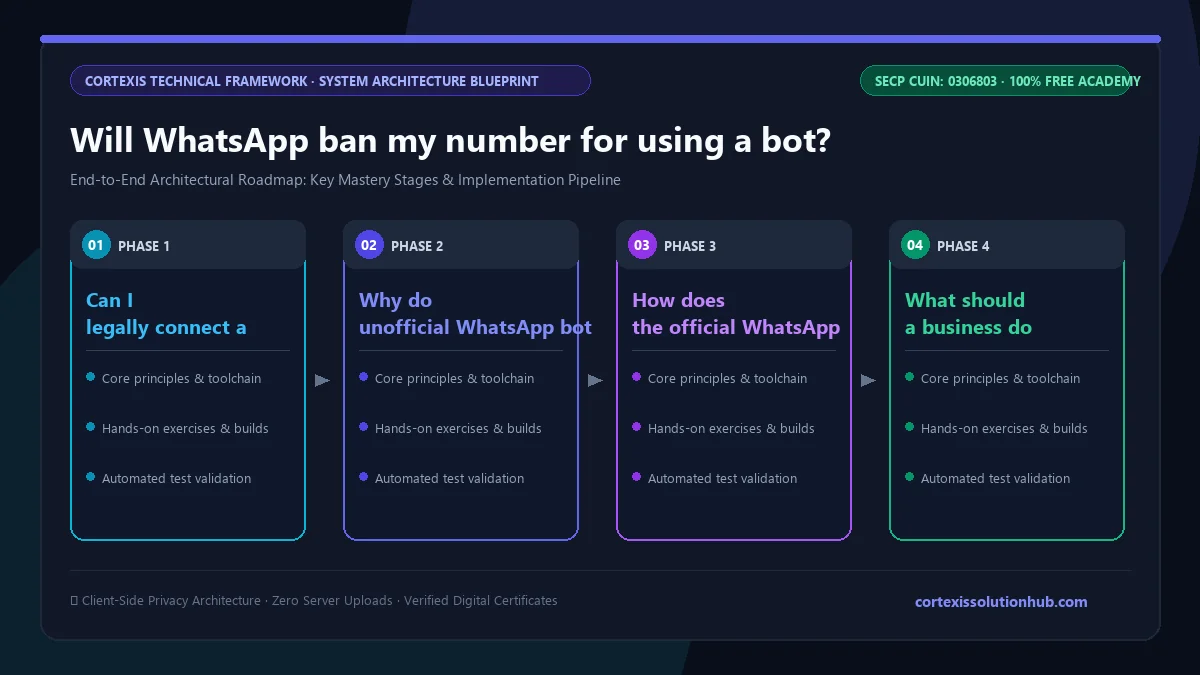
There are two WhatsApps, and only one of them may have a bot
The first is the consumer product and its sibling, the WhatsApp Business app. Both run on a phone, built for a human tapping a screen. The Business app has sanctioned automation built in, greeting messages, away messages, quick replies and a catalogue, and it is free. What it does not have is a way for your own software to log in and drive it.
The second is the WhatsApp Business Platform, which most people still call the WhatsApp Business API (documented under Meta's official WhatsApp Cloud API guide). It is an HTTPS interface. Your server posts JSON to Meta, Meta delivers the message, and inbound messages arrive at your server as webhooks. There is no phone involved. This is the route Meta built for exactly the thing you are trying to do, and using it in compliance with the WhatsApp Business Messaging Policy is not a policy risk, because it is the policy.
Everything sold as a WhatsApp bot is one or the other. Ask a vendor which, and if the answer takes more than one sentence, it is the first.
What the unofficial tools actually do
They come in two flavours. The first drives a browser. A headless Chrome opens web.whatsapp.com, scans a QR code with your account, and a script clicks around the interface on your behalf. The second skips the browser and reimplements WhatsApp's multi device protocol directly, registering itself as a linked device the way your laptop does.
Both are clever engineering. Several of the well known libraries are open source and written in Node, and our free Node.js backend course covers the socket and webhook concepts they are built on. But from Meta's point of view they do the same thing: connect a normal user account through something that is not WhatsApp. The terms prohibit unauthorised access through non official clients and prohibit bulk or automated messaging on the consumer service. That is not a grey area in the wording. The grey area is enforcement, and enforcement is what people mistake for permission.
Why the cheap tools are cheap
A typical unofficial vendor charges a flat monthly fee for unlimited messages, sets up in an hour, and asks for no business verification and no message approvals. The official route charges per message, requires a verified business, and reviews your templates before you may send them.
That gap is not efficiency. It is the absence of an account with Meta. The unofficial vendor pays Meta nothing because Meta does not know they exist, and the cost the official route prices in is not being paid by anyone. It is carried by your phone number.
Notice who is exposed. The vendor's numbers are never at risk. Yours sends everything.
| Unofficial bot | Official Business Platform | |
|---|---|---|
| How it connects | Drives the app or a reimplemented client | Your server calls Meta's API |
| Permitted by WhatsApp | No | Yes |
| Setup | Scan a QR code, minutes | Business verification, days or longer |
| Cost shape | Flat fee, unlimited sends | Per message, varies by country and category |
| Message content | Anything, any time | Free form inside the 24 hour window, approved templates outside it |
| Who carries the ban risk | Your number | Nobody, if you follow the rules |
| If it breaks | Silent, at the worst moment | Errors you can read and handle |
The 24 hour window and template messages
When a person messages your business, a window opens. Inside it you can reply with anything, as many times as you like, in whatever words you want. That window has been 24 hours long for years and is measured from the customer's most recent message.
Outside that window you cannot send arbitrary text. You must send a message template, fixed wording with variable slots, submitted to Meta in advance and reviewed before use. Templates are classified by purpose, broadly marketing, utility and authentication, and the class affects both approval and cost. You also need the recipient's opt in before sending one.
This is the mechanism that stops WhatsApp from becoming email. It is also the mechanism people are trying to escape when they buy an unofficial tool, which tells you something about what they intend to send.
Be careful with any specific figure you read on cost, including here. Meta has changed the billing model more than once, moving between conversation based and per message pricing for templates, and rates differ by country and by category. Check Meta's current pricing for the countries you actually message before you build a business case on it.
What actually triggers a ban
Not automation as an abstract sin. WhatsApp is not scanning your code. The signals that matter are behavioural, and they are the same ones that would flag a human doing the same thing by hand.
Blocks and reports. The dominant signal. People who did not want to hear from you tapping block is the clearest evidence WhatsApp has, and it needs very little of it.
The shape of your sending. A week old number that opens hundreds of conversations with strangers, sends near identical text and gets almost no replies looks like exactly what it is. Reply rate matters as much as volume.
Client fingerprint. Unofficial clients are detectable. The libraries and the detection move against each other constantly, which is why a tool that worked fine for six months can start burning numbers in a week.
What you are selling. Some categories are prohibited outright regardless of how you send.
Notice that the bot is barely in that list. Plenty of numbers people believe were banned for automation were banned for cold outreach, and the script only made the outreach fast enough to notice. Four hundred unsolicited messages a day gets a number banned whether software or a person sent them.
On the official platform the same pressure shows up as a quality rating and a messaging limit rather than a sudden ban. Blocks and reports drag the rating down, the number of people you may message in a day drops with it, and templates can be restricted. It is a dial rather than a switch, which is the real advantage: you can watch it move and fix the cause.
The honest costs of doing it properly
We build on the official platform, so treat this section with suspicion and then read it anyway.
You pay Meta for the templates you send outside the window, in a currency that is not yours, and what falls inside the free window has moved before and is moving again. The pricing check above is part of this cost rather than a footnote to it. Business verification means real paperwork and can come back rejected. Templates get rejected too, sometimes for wording you thought was neutral, and each rejection is another round trip. Sending limits start low and rise with history and quality, so there is no way to buy your way to volume on day one.
The one that used to surprise people most was that a number moved onto the Platform stopped working as a normal WhatsApp account on a phone. Meta's Coexistence feature has changed that. The Business app and the Cloud API can now share one number, with chats syncing both ways, so someone can still pick up the phone and answer a customer by hand. It is not free of trade offs: throughput is capped, and some Business app features including the catalogue stop working once a number is in Coexistence. If your shop's owner personally replies from their phone, confirm the current behaviour against Meta's documentation before you migrate that number.
When we would tell you not to bother
If you get a handful of messages a day, install the free WhatsApp Business app, set a greeting message, an away message and a few quick replies, and stop. That is sanctioned automation, it costs nothing, and paying anyone to integrate an API for fifteen conversations a day is worse business than answering them yourself.
If your volume is real but the actual problem is a workflow, orders landing in the wrong place or three systems that do not talk to each other, then messaging is not the fix and custom software probably is.
And if the plan is bulk unsolicited marketing, neither route saves you. The official one bills you while your quality rating falls and your limits shrink. The unofficial one costs you the number and the chat history on it. Nothing makes cold bulk messaging work on WhatsApp, and anyone selling you one is selling a slower way to lose a number.
Automation earns its cost in the opposite pattern: people who messaged you first, at a volume where replies are being missed. Answer instantly, qualify, book, then hand a human the conversation with context attached. That is what Your Bot is built for, and it is the only case we think justifies the setup and the running cost.
If your number is already gone
WhatsApp offers a review request from inside the app, and bans can be temporary or permanent. Before appealing, stop whatever caused it, because appealing while the script still runs wastes the one request that might have worked. A fresh SIM resets nothing either: the same sending pattern on a new number usually produces the same result faster.
Your Bot runs on Meta's official platform, and if your volume does not justify the cost we will tell you so before you pay for anything.
Questions, answered
04 questions
Yes, by using the official Meta WhatsApp Business Platform (Cloud API). Meta explicitly supports automated chatbots, CRM integrations, and multi-agent inboxes on this official architecture without risking sudden phone number bans.
Unofficial tools scrape web interfaces or mimic linked phone devices. When an account suddenly initiates high volumes of cold messages or receives customer spam reports, Meta's automated security algorithms flag and permanently restrict the unauthorized client.
When a customer sends your business a WhatsApp message, a 24-hour session opens during which your bot or live agents can exchange unlimited free-form messages. To initiate conversations outside this window, you must send pre-approved message templates.
Immediately stop all automated scripts or third-party web scrapers. Submit an official review request through the WhatsApp Business app or Meta Business Support Manager, clearly stating your business identity and compliance commitment.