7 min read
Direct Answer: 10 tricky JavaScript output questions on coercion, sorting, closures, the event loop and NaN. Every answer was checked by running the code on Node 22.
- 10 tricky JavaScript output questions on coercion, sorting, closures, the event loop and NaN. Every answer was checked by running the code on Node 22.
- Authored by Abdullah with actionable, zero-fluff implementation guidance.
- Verified for immediate practical application, production workflows, and professional skill enhancement.
JavaScript output questions show you a few lines of code and ask one thing: what does this print? They are a favourite in interviews and tests because you cannot answer them by memorising definitions. You have to know how the language really behaves.
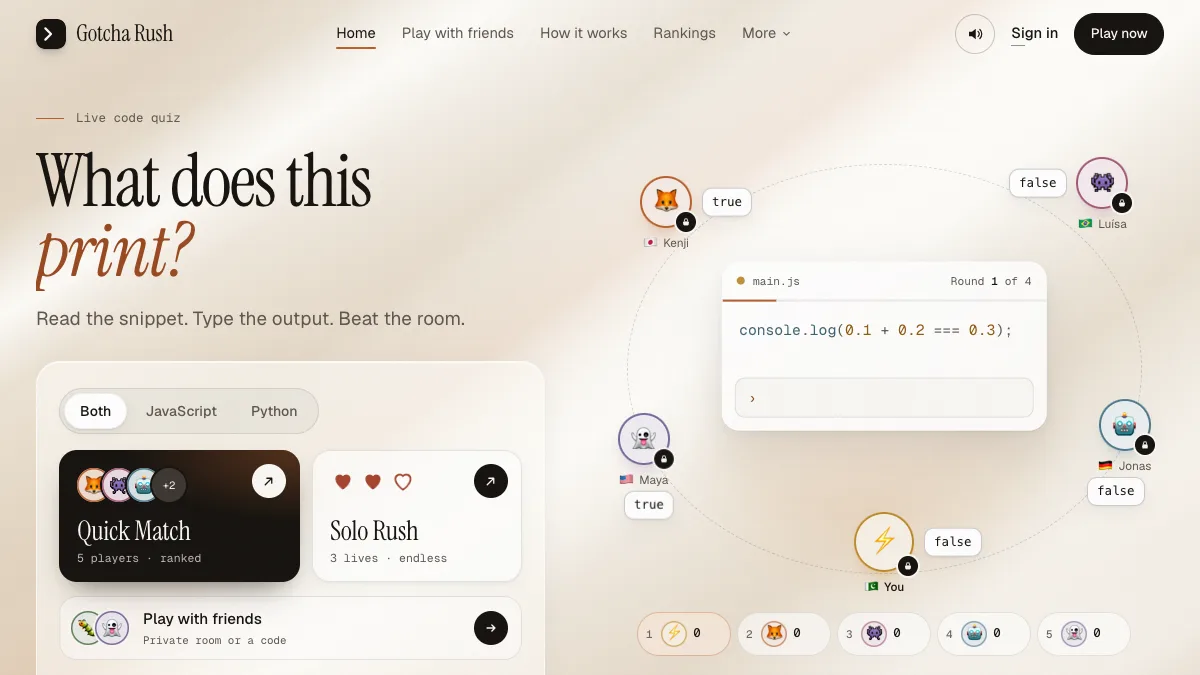
Below are 10 tricky JavaScript output questions with answers and explanations. Many lists online copy answers from each other and some of them are wrong. Every output on this page was produced by running the snippet on Node 22, as part of the puzzle bank for our multiplayer game Gotcha Rush.
How to use these questions
Read each snippet and write down your answer before you scroll to the output. Be exact: if a line prints 0.30, then 0.3 is wrong. That is how the game scores it too. Count how many you get fully right, then read the explanations for the ones you missed. They are where the learning is.
| Topic | Tricky Snippet | Actual Output | Core Mechanism |
|---|---|---|---|
| String coercion | "1" + 1 vs "1" - 1 | "11" vs 0 | + concats strings; - converts to numeric |
| NaN Equality | NaN === NaN | false | IEEE-754: NaN is never equal to itself |
| Empty Math | Math.max() vs Math.min() | -Infinity vs Infinity | Initial accumulator identity values |
| Default Sort | [10, 9, 1].sort() | [1, 10, 9] | Lexicographical UTF-16 string comparison |
| Floating Point | 0.1 + 0.2 === 0.3 | false | Binary float precision (0.30000000000000004) |
| Loop Closures | var vs let in setTimeout | 3, 3, 3 vs 0, 1, 2 | Shared function scope vs block scope |
| Event Loop | Macrotask vs Microtask | Promise (3) before Timeout (2) | Microtask queue drains before macrotask turns |
Type coercion questions
1. Plus and minus with a string
console.log("1" + 1);
console.log("1" - 1);
Output:
11
0
Why: when either side of + is a string, + means joining strings, so "1" + 1 is "11". There is no string version of -, so JavaScript converts both sides to numbers and "1" - 1 gives 0.
2. Nothing equals NaN
console.log(NaN === NaN);
console.log(Number.isNaN("x"));
console.log(isNaN("x"));
console.log([NaN].includes(NaN));
console.log([NaN].indexOf(NaN));
Output:
false
false
true
true
-1
Why: NaN is the only value in JavaScript that is not equal to itself. Number.isNaN only returns true for the actual NaN value, and "x" is a string. The older global isNaN converts its argument to a number first, and "x" becomes NaN. includes uses an equality rule that can find NaN, while indexOf uses ===, which never does. MDN's page on NaN covers the full set of rules.
3. Max of nothing
console.log(Math.max());
console.log(Math.min());
console.log(Math.max([1, 2]));
Output:
-Infinity
Infinity
NaN
Why: with no arguments, Math.max starts from -Infinity and Math.min from Infinity, the values that any real number would beat. Passing an array gives one argument, and that array converts to the string "1,2", which is not a number. Spread it instead: Math.max(...[1, 2]).
Array questions
4. The default sort
const a = [10, 9, 1];
console.log(a.sort().join(","));
console.log(a.sort((x, y) => x - y).join(","));
Output:
1,10,9
1,9,10
Why: sort() without a compare function turns every element into a string and sorts them as text, so "10" comes before "9". A numeric compare function fixes it. This one causes real bugs in production code, so it is worth remembering. See Array.prototype.sort on MDN.
5. map(parseInt)
const r = ["10", "10", "10"].map(parseInt);
console.log(r.join(","));
Output:
10,NaN,2
Why: map calls its callback with three arguments: the value, the index and the array. parseInt accepts two: the string and the radix (the number base). So the calls are parseInt("10", 0), which treats 0 as "work it out" and gives 10, parseInt("10", 1), where base 1 is invalid and gives NaN, and parseInt("10", 2), which reads binary and gives 2. Write .map(Number) or .map((s) => parseInt(s, 10)) instead.
6. Key order in an object
const o = { b: 1, 2: "x", a: 2, 1: "y" };
console.log(Object.keys(o).join());
Output:
1,2,b,a
Why: Object.keys lists keys that look like whole numbers first, in ascending order, and then the string keys in the order they were added. So 1 and 2 move to the front even though they were written later.
Number questions
7. Point one plus point two
console.log(0.1 + 0.2 === 0.3);
console.log((0.1 + 0.2).toFixed(2));
Output:
false
0.30
Why: 0.1 and 0.2 cannot be stored exactly in binary floating point, so their sum is 0.30000000000000004, which is not equal to 0.3. toFixed(2) rounds for display and returns a string, so the trailing zero stays: 0.30, not 0.3.
Scope and closure questions
8. Closures in a loop
for (var i = 0; i < 3; i++) setTimeout(() => console.log(i));
for (let j = 0; j < 3; j++) setTimeout(() => console.log(j));
Output:
3
3
3
0
1
2
Why: all six callbacks run after both loops have finished. The var loop has a single i shared by every callback, and by then it is 3. let creates a fresh j for each pass of the loop, so those callbacks remember 0, 1 and 2. Timers with the same delay fire in the order they were scheduled.
Event loop questions
9. Timers versus promises
console.log(1);
setTimeout(() => console.log(2), 0);
Promise.resolve().then(() => console.log(3));
console.log(4);
Output:
1
4
3
2
Why: synchronous code runs first, printing 1 and 4. Promise callbacks are microtasks and run as soon as the current script finishes, printing 3. setTimeout callbacks are macrotasks and wait for a later turn of the event loop, even with a 0 ms delay, so 2 comes last. This is one of the most common JavaScript interview questions of all; see MDN's JavaScript Event Loop and Concurrency Model for full queue semantics.
JSON questions
10. What JSON keeps
console.log(JSON.stringify({ a: undefined, b: null, c: () => 1, d: NaN }));
console.log(JSON.stringify([undefined]));
Output:
{"b":null,"d":null}
[null]
Why: JSON.stringify drops object properties whose value is undefined or a function, and writes NaN as null. In an array it cannot drop a position without moving the others, so undefined becomes null there instead.
How did you score?
- 9 or 10: you know JavaScript's sharp edges well. Try the harder puzzles in the game, which go up to difficulty 4.
- 6 to 8: solid. Re-read the event loop and coercion answers, they come up again and again.
- 5 or fewer: a very normal score. These are tricky on purpose. Going through a course that covers the language from the ground up, like our free frontend engineering course or Node.js backend course, will make them much easier.
Practise them against other people
Reading answers is one thing. Typing the exact output against a clock, with four other players locking in around you, is how these stick. That is what Gotcha Rush does: the same kind of snippets, live rooms, a combo for every round in a row you get right, and an explanation after every reveal. It is free and runs in your browser.
If you also write Python, the same format is waiting in 10 tricky Python output questions. For more games like this, see our free coding games.
Questions, answered
04 questions
They are short code snippets where you have to predict exactly what `console.log` prints. They test how well you understand coercion, scope, closures, the event loop and built in methods, rather than whether you can recall a definition.
Yes, they are common in technical screens and written tests, especially questions on the event loop, closures in loops, `this`, hoisting and type coercion. Being able to explain why the output is what it is matters as much as the answer itself.
JavaScript stores numbers as binary floating point, which cannot represent 0.1 or 0.2 exactly. Their sum comes out as 0.30000000000000004. Compare floats within a small tolerance, or work in whole units such as cents.
Predict the output on paper first, then run the code and read why you were wrong. A timed game such as Gotcha Rush adds the pressure of a real interview and shows the explanation straight after each answer.